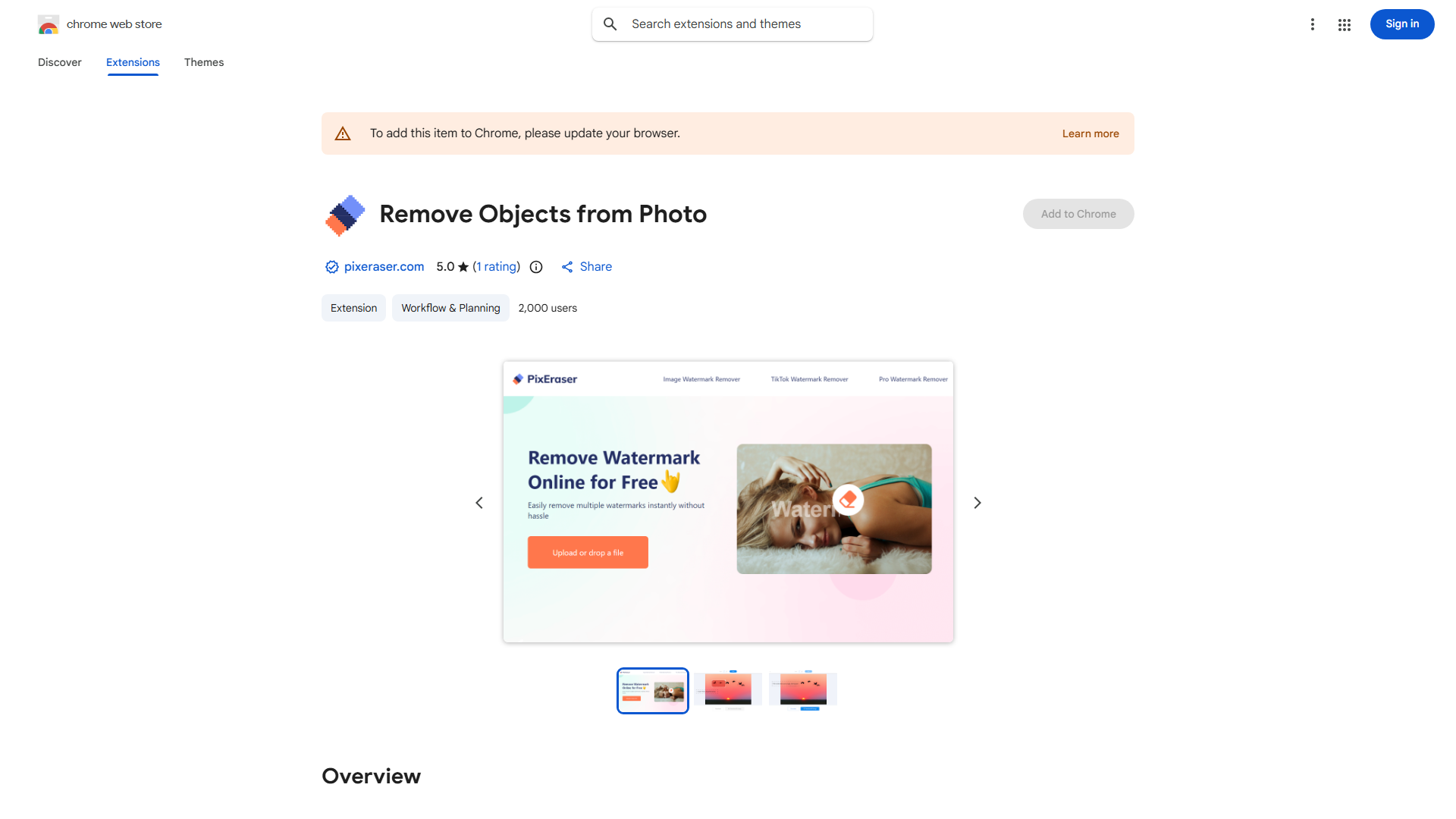
Welcome to PixEraser, the ultimate AI-powered solution for photo enhancement and cleanup. In this introduction, we'll delve into what PixEraser is, how to use it, and the core features that make it a must-have tool for anyone looking to perfect their images.
What is PixEraser?
PixEraser is an AI-driven photo editing tool designed to remove watermarks and unwanted objects from your digital images. Its primary purpose is to enhance the visual appeal of your photos by eliminating any distracting elements that may hinder their overall quality. By leveraging advanced AI algorithms, PixEraser provides a seamless and efficient way to restore your images to their original, pristine state.
How to use PixEraser?
Using PixEraser is straightforward and user-friendly. Here's a basic workflow to guide you through the process:
- Upload Image: Start by uploading the photo you wish to edit.
- Select Area: Use the tool's intuitive interface to select the area with the watermark or unwanted object.
- Apply AI Cleanup: Click the 'Remove' button to let PixEraser's AI algorithms work their magic.
- Review and Save: Once the process is complete, review the cleaned-up image and save it to your desired location.
Core features of PixEraser?
PixEraser boasts several key features that make it a powerful and versatile tool for photo editing:
- Advanced AI Algorithms: The tool uses cutting-edge AI to ensure precise and effective removal of watermarks and objects.
- User-friendly Interface: With its simple and intuitive design, PixEraser is accessible to users of all skill levels.
- High-Quality Results: PixEraser maintains the integrity of your images, delivering results that look natural and professional.
- Batch Processing: Upload multiple images at once to save time and streamline your workflow.
- Customizable Settings: Adjust the intensity of the cleanup process to suit your specific needs.
Ready to transform your photos? Try PixEraser today and experience the difference AI-driven photo editing can make.