
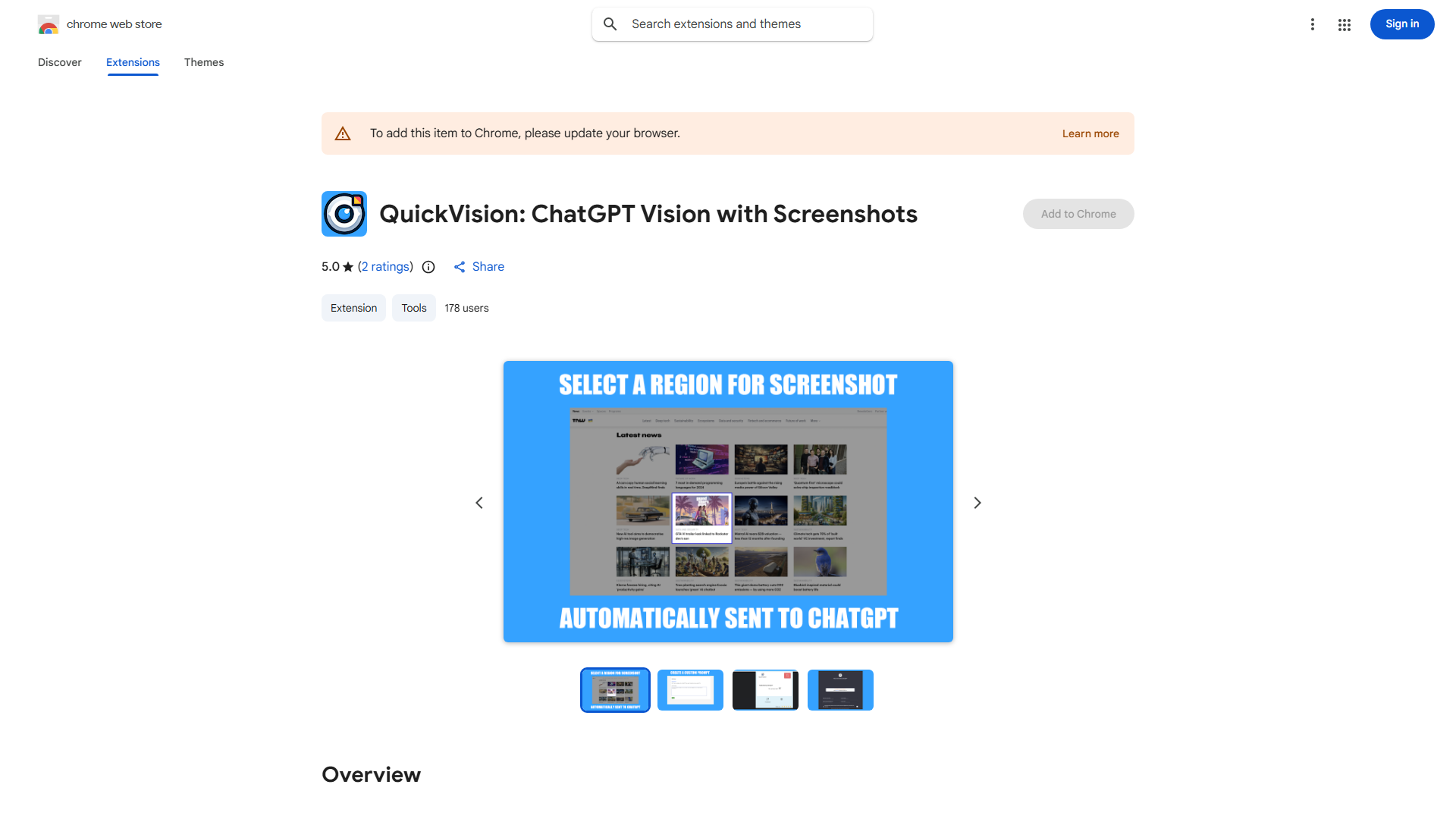
In today's fast-paced digital world, effective communication is key to success. QuickVision is the ultimate tool for anyone seeking to enhance their online interactions and streamline their workflow. What is QuickVision? It's a Chrome extension that revolutionizes the way you share and discuss visual content in platforms like ChatGPT. This innovative tool combines the convenience of screenshot capture with the power of custom prompts, allowing users to communicate more effectively and efficiently.
How to use QuickVision? The process is simple and straightforward. Once installed, the extension becomes accessible through your browser's toolbar. To capture a screenshot, simply click the QuickVision icon and select the desired area. You can then add annotations, comments, or even draw directly on the image. With a single click, you can share the screenshot directly within ChatGPT, where it can be discussed and reviewed in real-time.
The core features of QuickVision include:
- Screenshot Capture: Quickly capture any part of a webpage with precision.
- Annotation Tools: Annotate screenshots with text, arrows, and shapes to highlight key points.
- Direct Sharing: Share screenshots directly within ChatGPT for instant collaboration.
- Custom Prompts: Create custom prompts to guide discussions based on the shared content.
- Intuitive Interface: A user-friendly design that makes the tool accessible to all users.
Whether you're a student working on a group project, a professional collaborating with clients, or simply someone who wants to improve their online communication, QuickVision is the tool for you. Say goodbye to cumbersome sharing processes and hello to a more efficient and engaging way of communicating visually. Try QuickVision today and experience the difference it can make in your digital interactions.














