The Best AI Tools for Image & Art Creation

The Best AI Image Generators

An AI image generator is software that uses artificial intelligence—specifically machine learning and complex algorithms—to create images. Just type a text prompt (what you want the image to be) into the tool: it analyzes your request, draws on its training from countless images and styles, and generates a unique picture that matches your needs. The possibilities are nearly endless: realistic photos, artwork, marketing materials, commercial assets, and more—all can be created with these tools.

What Are the Best AI Image Generators?

Top AI image generators let you create high-quality images through text-to-image technology. They’re super versatile: you can make custom images, edit photos, generate AI art or logos, refine images, remove backgrounds, and much more. When picking the right one, think about what you’ll use it for (we’ll cover common use cases later). We’ve rounded up 8 of the best AI image generators worldwide—each with unique styles and purposes. Best of all, every tool is free or offers a free trial, so you can test them out and find your perfect match.

Top 8 AI Image Generator Tools of 2026 - Review

🔥#1
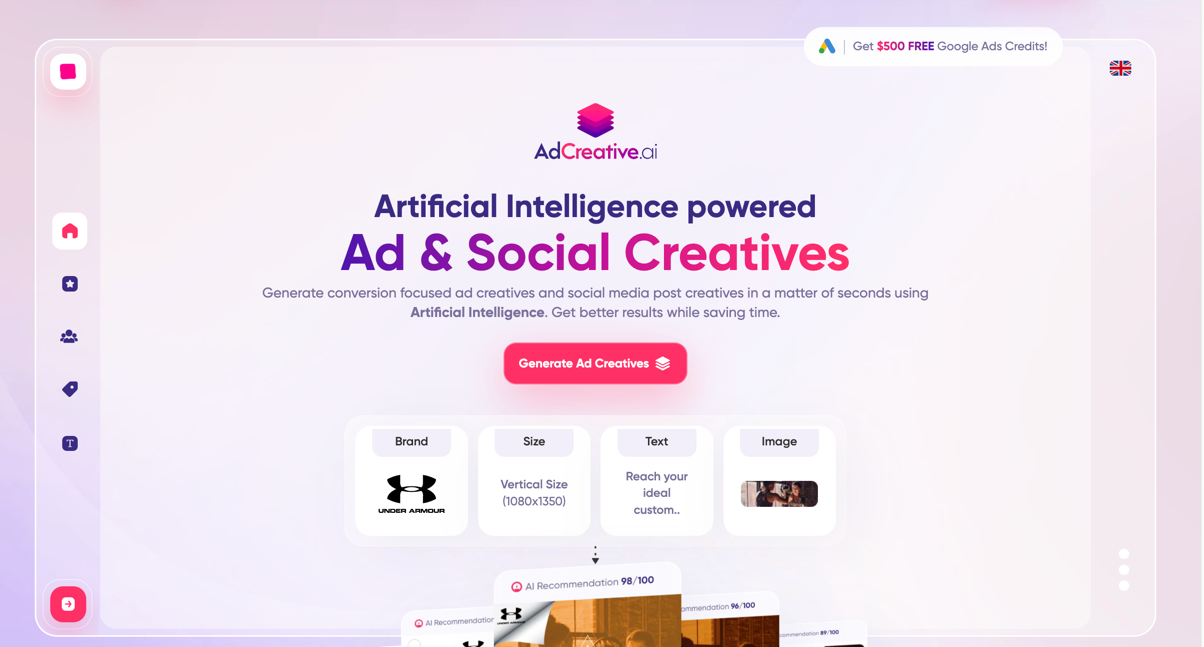
AdCreative.ai screenshot

AdCreative.AI is an advanced platform designed for editing and advertising needs, specializing in fashion photoshoots, video production, and product photo editing. The platform offers tailored tools for various business types including small businesses, e-commerce brands, and agencies. Its standout feature is the AI-powered Fashion Photoshoot tool, which allows users to virtually try on clothing by selecting the desired image type (Lower Body, Upper Body, Both, or Dress), uploading the item, choosing a model based on body type or uploading a personal image, and generating multiple AI-enhanced options for selection.

Pros:

  • Advanced AI tools specifically designed for fashion and product photography
  • User-friendly interface with straightforward process for generating AI-enhanced images
  • Versatile applications for various business types including small businesses, e-commerce, and agencies
  • Multiple pricing plans to accommodate different budget requirements
  • Generates numerous image options, providing flexibility in selection
  • Supports both product photography and virtual fashion try-on features
  • Time-saving alternative to traditional photoshoots

Cons:

  • May require some initial learning for users unfamiliar with AI image generation tools
  • Quality of output may depend on the quality of uploaded images
  • Limited customization options compared to professional photo editing software
  • Potential ethical considerations regarding AI-generated fashion imagery

Pricing:

AdCreative.AI offers two main pricing categories:

Startup plans:

  • Starter: $21/month; $217/annually
  • Premium: $44/month; $442/annually
  • Ultimate: $74/month; $742/annually
  • Ultimate 2: $111/month; $1117/annually

Professional plans:

  • Starter: $141/month; $1417/annually
  • Premium: $186/month; $1867/annually
  • Ultimate: $299/month; $2992/annually
  • Ultimate 2: Custom pricing

Best for:

AdCreative.AI is particularly beneficial for e-commerce businesses, fashion retailers, small brands, and marketing agencies seeking cost-effective solutions for product photography and fashion advertising. The platform serves professionals looking to streamline their visual content creation process without the need for expensive photoshoots. It is also ideal for businesses that frequently update their product catalogs and need rapid generation of high-quality promotional images.

🔥#2
Designs AI screenshot

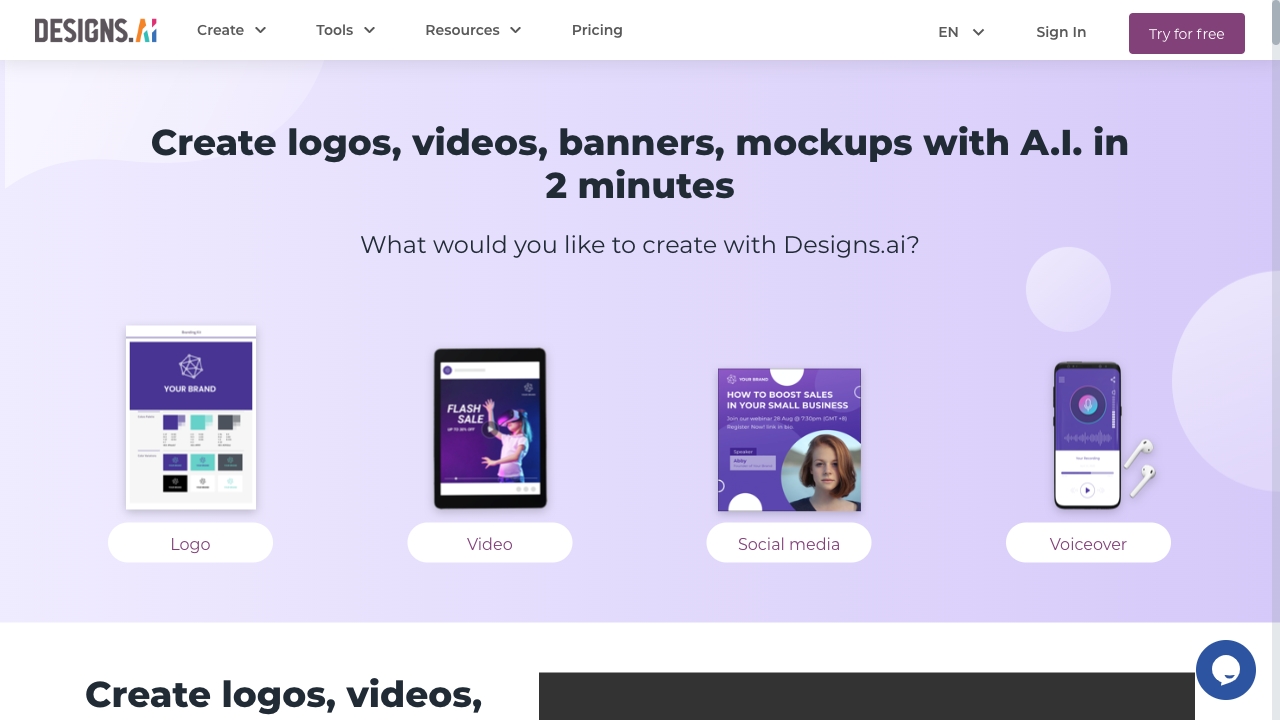
Designs.ai is an AI-powered design platform featuring a user-friendly interface with versatile templates and editing tools. It enables users to create various design formats including icons, logos, social media graphics, and presentations. The platform is particularly noted for its beginner-friendly approach to design creation and quick content generation capabilities.

Pros:

  • Easy to use for beginners with an intuitive interface
  • Offers a wide array of design elements and templates
  • Convenient for quick content creation across multiple formats
  • Extensive template library helps users get started quickly
  • Logo maker provides multiple logo options for business needs

Cons:

  • Limited control over complex design elements
  • Lacks specialization in creating unique or outside-the-box imagery
  • May not produce highly distinctive visuals
  • Users should sample existing designs to ensure satisfaction with the general aesthetic

Pricing:

Designs.ai operates on a freemium model with limited features available for free. Paid plans start at $19 per month, offering full access to all features and templates.

Best for:

Designs.ai is best suited for beginners, small business owners, and content creators who need to produce basic design materials quickly without requiring advanced design skills. It's ideal for those who need to create logos, social media graphics, presentations, and other marketing materials with minimal learning curve.

🔥#3
Midjourney screenshot

As one of the most popular AI art generators on the market, Midjourney excels in crafting hyper-realistic images, setting a high standard in the AI-driven art space. The platform produces stunning outputs with precision that closely mimics real-life photography, making it a leading choice for those seeking photorealistic AI-generated artwork.

Pros:

  • Unrivaled photorealism & precision, producing stunningly lifelike creations
  • Strong community collaboration through the Discord Community Hub
  • Continuous evolution based on user input and shared insights
  • Comprehensive artistic control allowing thorough refinement of creations

Cons:

  • May not fully cater to more abstract or stylized artistic expressions

Pricing:

Free 7-day trial
Basic: $10/month or $96/year
Standard: $30/month or $288/year
Pro: $60/month or $576/year
Mega: $120/month or $1152/year

Best for:

Artists, designers, and creators who prioritize photorealism in their work and need high-precision, lifelike AI-generated images for projects, presentations, or artistic experimentation.

🔥#4
Jasper AI screenshot

Jasper Art merges sophisticated artistic capabilities with artificial intelligence efficiency to produce crisp, high-definition visuals that adhere to industry excellence benchmarks. This AI-powered image generation platform stands out as one of the premium solutions for professional applications across various sectors.

Pros:

  • Produces premium-resolution artwork that satisfies the rigorous quality requirements demanded by professional workflows
  • Offers complete commercial rights with no royalty restrictions, allowing integration into business projects without copyright complications
  • Provides limitless image creation capabilities, enabling boundless creative exploration without usage constraints

Cons:

  • Demands well-defined creative concepts or specific prompts to maximize its advanced functionality
  • May present a learning curve for users unfamiliar with AI art generation parameters and optimization techniques

Pricing:

Complimentary 7-day trial period available for new users
Subscription tiers:

  • Creator plan: Available at $49 per month or $468 annually
  • Professional plan: Priced at $69 per month or $708 for yearly subscription
  • Business package: Custom pricing available upon direct consultation

Best for:

Jasper Art is specifically designed for creative professionals, businesses requiring high-quality visual content, marketing agencies, and commercial ventures that demand superior artwork with commercial usage rights. It serves organizations and individuals who need consistent, professional-grade visuals without the constraints of traditional art creation limitations.

🔥#5
Craiyon screenshot

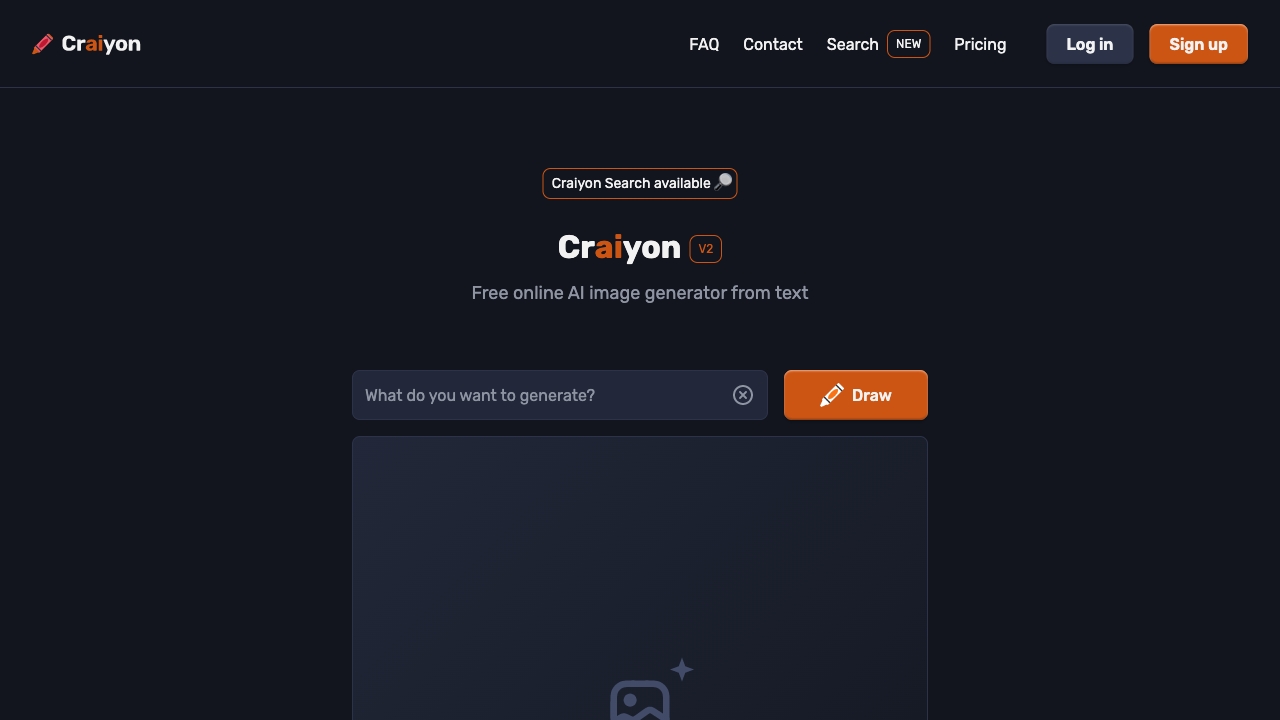
Craiyon represents a leading artificial intelligence art generation platform that provides complimentary access to individuals interested in exploring digital artwork creation. The system features an intuitive interface designed to accommodate users across various skill levels, enabling them to engage with AI-powered artistic tools without any initial financial investment. The platform offers extensive creative possibilities, allowing experimentation with numerous visual styles ranging from imaginative to fantastical compositions.

Pros:

  • Intuitive interface that enhances the creative process regardless of the user's technical background or experience level
  • Comprehensive creative environment supporting exploration of diverse artistic expressions, from playful and dreamlike to surreal and unconventional visual approaches
  • Advanced editing capabilities that enable users to refine their artwork, resulting in more polished and commercially viable outputs

Cons:

  • Potential for the system to inadvertently incorporate biased elements or stereotypes into generated imagery based on underlying training data patterns
  • Limited precision in capturing complex textual descriptions compared to premium alternatives
  • Occasional inconsistencies in generating coherent compositions from detailed prompts

Pricing:

The Craiyon platform offers multiple subscription tiers to accommodate diverse user requirements. A complimentary version is available for basic functionality. The Supporter tier costs $6 monthly or $60 annually, providing enhanced features and faster processing times. For more intensive applications, the Professional plan is priced at $24 per month or $240 per year, offering additional benefits like priority access and commercial usage rights. Organizations or users with specialized requirements can request a customized package by contacting the sales team directly.

Best for:

Craiyon is particularly well-suited for digital artists, content creators, and hobbyists who require a budget-friendly solution for generating visual content. It appeals to individuals exploring AI art without financial commitment, as well as small businesses and marketers seeking affordable visual assets for their projects. The platform serves as an ideal entry point for those new to AI art generation while still providing sufficient features for more experienced users to experiment with diverse artistic styles and techniques.

🔥#6
NightCafe Creator screenshot

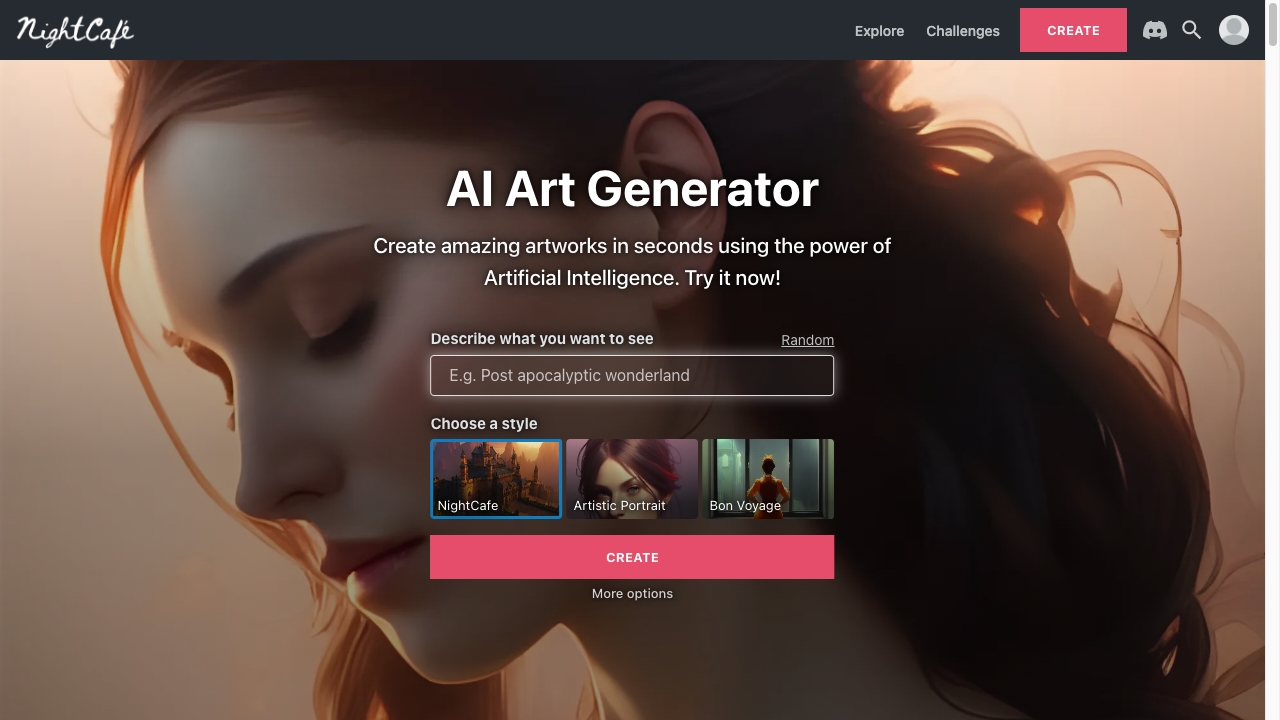
NightCafe Creator represents a sophisticated platform that combines artistic inspiration with advanced artificial intelligence capabilities. This innovative solution provides extensive customization options and diverse artistic methodologies, making it an exceptional choice for creative professionals seeking to explore new frontiers in digital art generation.

Pros:

  • Offers an extensive collection of artistic styles and techniques, enabling creators to experiment with diverse visual expressions
  • Provides cross-device functionality, allowing users to generate AI artwork from various locations and at their convenience
  • Ensures complete intellectual property rights for users, granting them full authority over their generated artworks

Cons:

  • The level of excellence and distinctiveness in final outputs is significantly influenced by the quality and creativity of user inputs
  • Limited information on potential technical constraints or learning curve for new users

Pricing:

NightCafe Creator offers a complimentary starting package with 5 free credits to explore the platform. Users can also purchase credit packages on a one-time basis:

  • Small bundle: 100 credits for $7.99
  • Medium bundle: 200 credits for $9.99
  • Large bundle: 500 credits for $19.99
  • Extra-large bundle: 1,000 credits for $37.99
  • Premium bundle: 2,500 credits for $79.99
  • Enterprise bundle: 10,000 credits for $299.99

For regular users, subscription plans are available:

  • Basic plan: $5.99 monthly or $14.97 quarterly, providing access to generate 310 images
  • Standard plan: $9.99 monthly or $23.97 quarterly, providing access to generate 410 images
  • Advanced plan: $19.99 monthly or $47.97 quarterly, providing access to generate 710 images
  • Professional plan: $49.99 monthly or $119.97 quarterly, providing access to generate 1,610 images

Best for:

NightCafe Creator is particularly well-suited for experienced artists and creative professionals who possess a solid understanding of artistic principles and seek to leverage artificial intelligence as a powerful tool for expanding their creative capabilities. The platform appeals to those who value customization, artistic control, and the opportunity to push the boundaries of traditional digital art creation through AI-assisted methodologies.

🔥#7
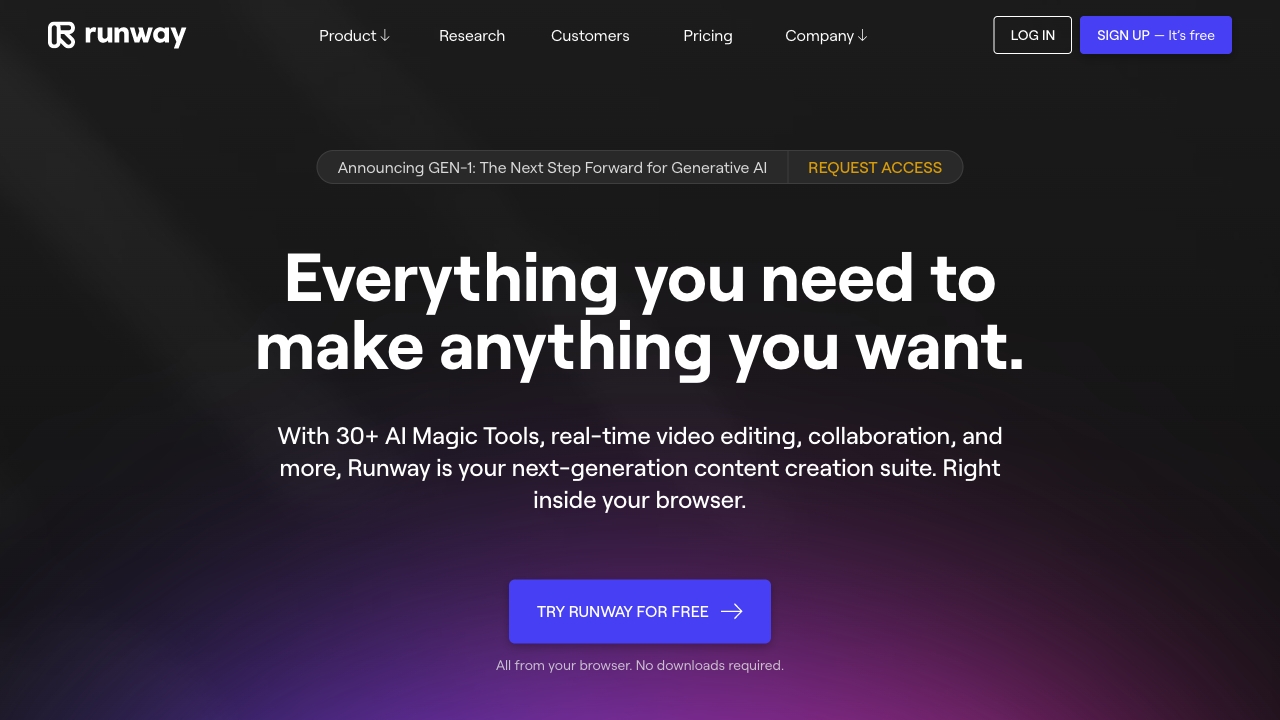
Runway screenshot

Runway represents a versatile platform specializing in multimedia content generation. This innovative solution enables users to transform and reimagine visual elements by manipulating image styles and compositions, with the added capability of converting static images into dynamic animated videos. Its comprehensive functionality across various multimedia formats establishes Runway as a premier artificial intelligence solution for professionals working with diverse digital media assets.

Pros:

  • Diverse selection of artistic styles and techniques available, encouraging creative experimentation and artistic development
  • Cross-platform compatibility ensures users can generate AI-assisted artwork from any location and at any time
  • Complete intellectual property rights granted to users, allowing full ownership and control over generated content

Cons:

  • The resulting artwork's quality and distinctiveness are substantially influenced by the level of creativity and detail in the user's input prompts

Pricing:

New users receive 5 complimentary credits to explore the platform's capabilities. For those requiring additional credits, one-time purchase options are available:

  • 100 credits available for $7.99
  • 200 credits available for $9.99
  • 500 credits available for $19.99
  • 1,000 credits available for $37.99
  • 2,500 credits available for $79.99
  • 10,000 credits available for $299.99

Subscription plans offer monthly or quarterly billing with varying credit allocations:

  • AI Beginner: $5.99/month or $14.97 quarterly, providing 310 images
  • AI Hobbyist: $9.99/month or $23.97 quarterly, providing 410 images
  • AI Enthusiast: $19.99/month or $47.97 quarterly, providing 710 images
  • AI Artist: $49.99/month or $119.97 quarterly, providing 1,610 images

Best for:

Runway serves as an ideal solution for multimedia creators, digital artists, content developers, and visual storytellers who require advanced tools for transforming and enhancing visual content. The platform particularly benefits professionals seeking to generate unique animations, reimagine visual styles, and create diverse digital media assets without technical limitations.

🔥#8
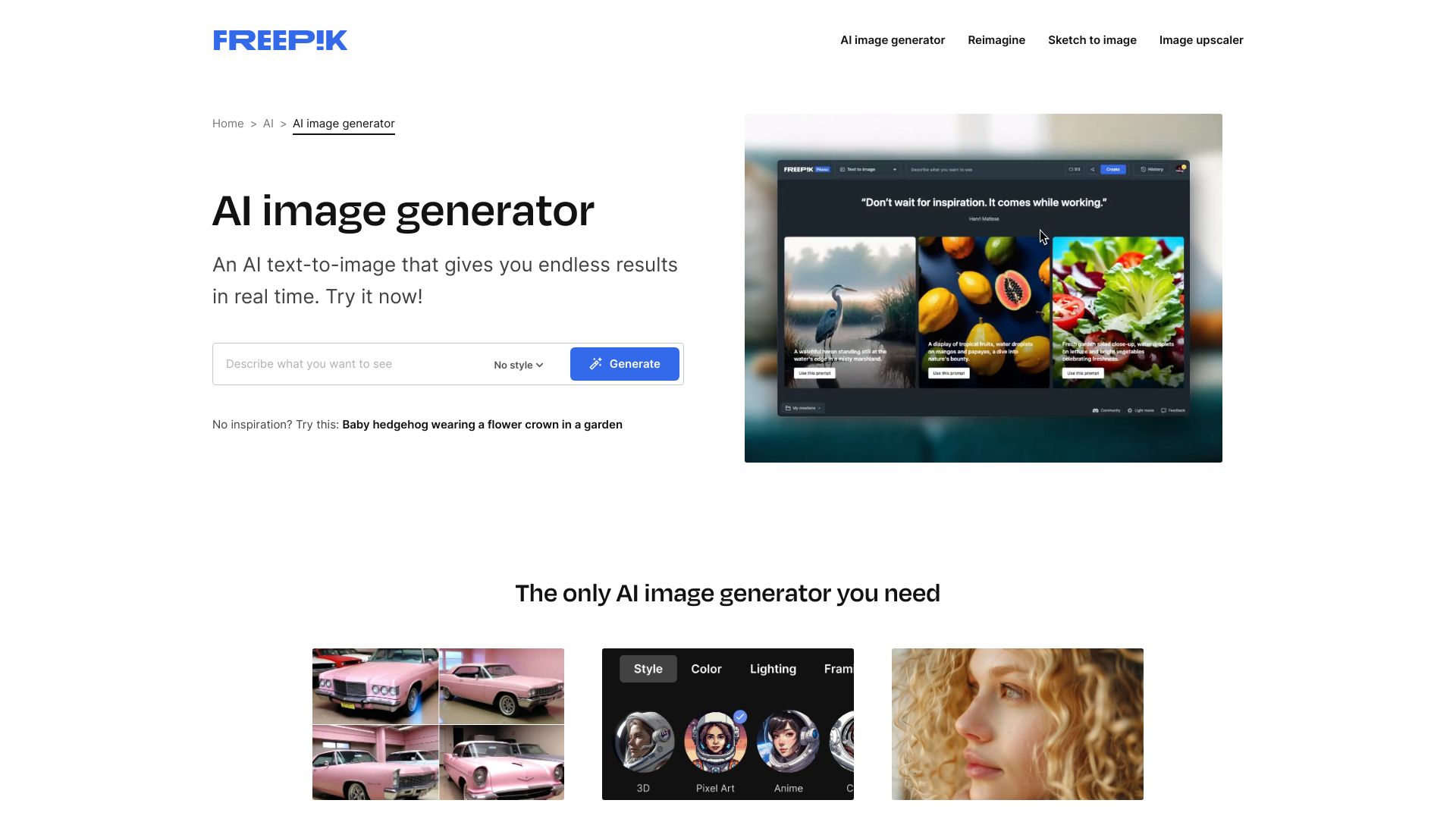
Freepik AI Image Generator screenshot

Freepik's AI-powered image generation platform enables users to craft visually striking graphics in a matter of moments. This innovative technology converts textual descriptions into compelling visual representations through an intuitive interface that doesn't require specialized technical expertise. The process involves simply entering desired text prompts into the designated field, allowing the advanced artificial intelligence to handle the image creation. Utilizing sophisticated neural networks, the system generates visuals based on user-specified concepts or search terms. Creators can select from multiple artistic approaches including photographic realism, three-dimensional renderings, and digital artwork styles. The resulting images demonstrate exceptional quality with rich color palettes and authentic textures that appeal to both hobbyists and industry professionals. Additionally, the platform incorporates a built-in web-based editor that allows for detailed refinement of generated images to meet specific requirements.

Pros:

  • Text-to-image conversion capability without requiring prior dataset preparation or labeling
  • Diverse selection of artistic styles and visual approaches for varied creative needs
  • Comprehensive editing suite integrated directly into the platform for post-generation adjustments
  • High-resolution output with vivid color reproduction and natural aesthetic qualities
  • Intuitive interface design that makes advanced image generation accessible to users of all skill levels
  • Quick generation process enabling rapid visual content creation

Cons:

  • Potential limitations in generating highly specialized or niche visual concepts
  • Possible dependency on internet connectivity for full functionality
  • Learning curve required to master optimal prompt engineering for best results
  • Copyright and usage restrictions that may apply to certain generated content
  • Occasional inconsistencies in image quality depending on complexity of the request

Pricing:

Freepik provides three membership tiers to accommodate different user needs. The complimentary option grants access to millions of resources with a daily allowance of up to ten downloads. For enhanced capabilities, the premium subscription delivers unrestricted access to premium-quality materials and permits unlimited asset downloads while eliminating attribution obligations. The ultimate membership expands upon premium offerings by including video resources and providing comprehensive legal safeguards for commercial applications. Each pricing tier progressively increases in value as users move from basic to professional requirements.

Best for:

This AI image generation platform serves as an ideal solution for graphic designers seeking efficient content creation tools, marketing professionals requiring quick visual assets, social media managers needing diverse graphics, and content creators looking to enhance their projects without extensive design experience. The tool benefits both beginners exploring digital design and established professionals aiming to streamline their workflow. Businesses requiring branded visuals and educational institutions developing instructional materials will also find significant value in Freepik's capabilities. The platform particularly appeals to those who need to produce high-quality images rapidly without investing in specialized design software or extensive training.

The Best AI Image Generators Tools - FAQ

AI generates images using deep learning models trained on large datasets of images. By learning patterns, shapes, and styles, the model can predict and create new images based on a text prompt. The final output is generated by combining learned visual features in new ways.

AI art generators rely on existing data, which limits originality and often requires human input for emotion, context, and cultural depth. They may struggle with accuracy, such as generating realistic hands or body proportions. Technical limitations include resolution, detail, color blending, repetitive outputs, and ethical concerns related to bias, ownership, and copyright.

There is no single best AI prompt generator for everyone. The ideal tool depends on your artistic goals, preferred style, and workflow. Prompt generators help refine descriptions to improve AI image results and consistency.

AI-generated images can be unique, but they are created based on patterns learned from existing data. While the exact image may not exist elsewhere, similar visuals could be generated. Many AI models use randomness to increase variation and uniqueness.

Ownership of AI-generated images depends on the platform’s terms of service and local copyright laws. Some AI image generators allow full usage rights, while others retain partial ownership. Always review the tool’s terms before using AI-generated artwork commercially.

Final Thoughts

Here are the top 8 AI Image Generators that you can use to create amazing AI art and images:

Most of these tools offer free trials, so we recommend testing them yourself to see which one best fits your needs.

At NavAiTools, our mission is to help you discover the best AI tools to grow your business while keeping you up to date with the latest AI news. To keep our tools directory accurate and valuable, we continuously explore the market for new software. Click the button below to browse and compare all available tools.