The Best AI Tools for Video Generators and Editors

What Is an AI Video Generator?

An AI video generator is a tool that uses artificial intelligence to create videos from text, images, or scripts. It automatically turns user input into high-quality videos without cameras, actors, or manual editing, saving time and production costs.

How Does an AI Video Generator Work?

AI video generators analyze large datasets of real videos and use generative AI to transform text or images into complete videos. The process is automated and usually takes only a few minutes.

What Makes a Good AI Video Generator?

A good AI video generator should include:

  • AI-powered video creation
  • High-quality HD or 4K output
  • Easy customization options
  • Beginner-friendly interface
  • Fast video generation

Top 10 AI Video Generator Tools of 2026 – Review

🔥#1
Kling AI screenshot

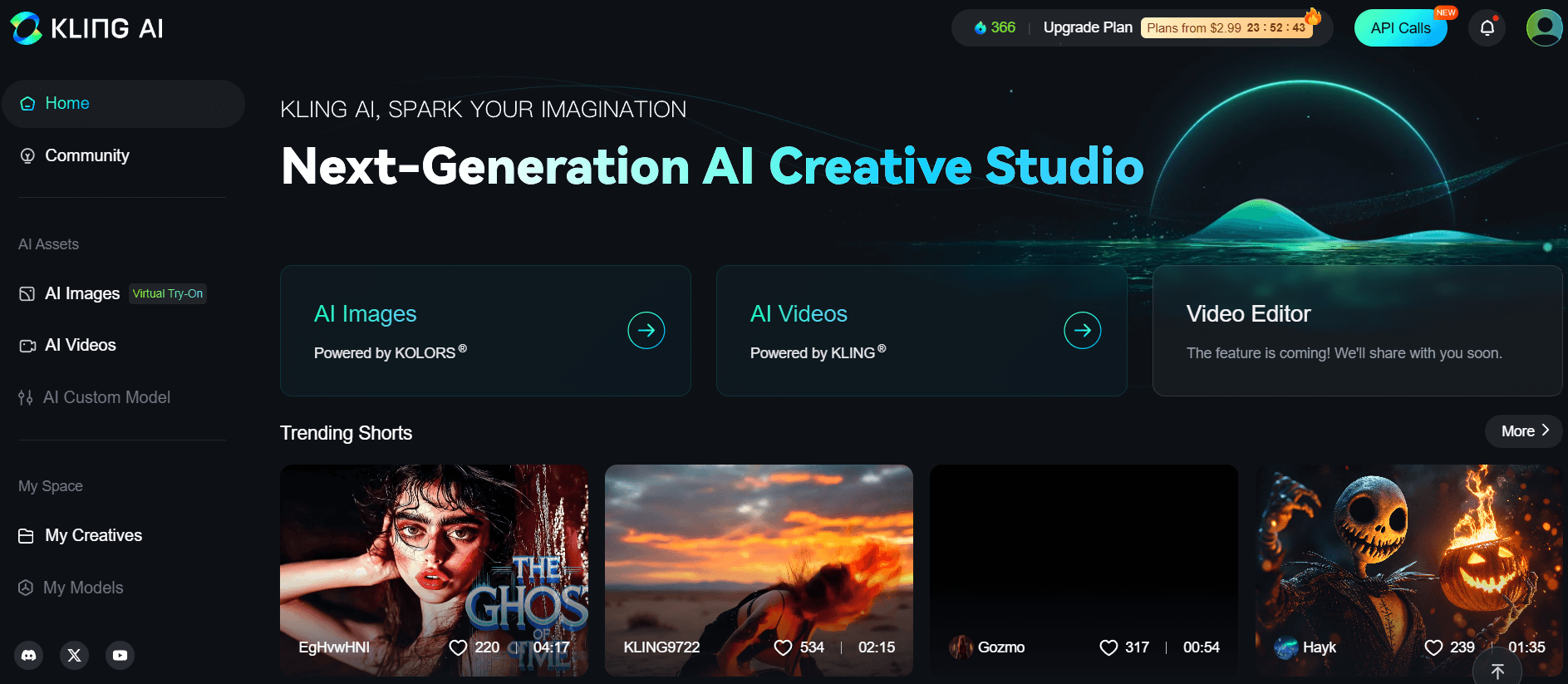
Kling AI stands out in the AI video generation market by offering an exceptional balance between cinematic quality, processing speed, and cost-effectiveness. The platform delivers impressive results with realistic motion, authentic lighting effects, and fluid camera movements, making professional video production accessible to creators with varying budgets. One notable feature is its ability to automatically generate background soundtracks, which streamlines the production process and allows content creators to concentrate on narrative development rather than post-production tasks.

Pros:

  • Produces high-quality cinematic footage with natural-looking motion and lighting effects
  • Provides an optimal balance between premium results and affordable pricing
  • Automatically generates background soundtracks, saving time in the production workflow
  • Delivers fast processing speeds for efficient content creation
  • Features smooth camera dynamics that enhance the professional feel of generated videos

Cons:

  • Demonstrates limitations when handling scenes requiring emotional acting or extended dialogue
  • May experience processing delays during peak usage periods for free tier users
  • Offers restricted capabilities for detailed frame-by-frame editing
  • Lacks advanced features for complex video editing requirements

Pricing:

The platform provides a complimentary option that includes basic generation credits and access to standard resolution video output. For enhanced functionality, a premium subscription begins at approximately $9 monthly. The professional tier, priced at $32 per month, unlocks advanced capabilities including 4K video resolution, accelerated rendering times, and expanded soundtrack integration options. Each pricing tier is designed to accommodate different user needs and production requirements.

Best for:

Educational content creators and online course developers benefit significantly from Kling AI's capabilities. The platform excels at transforming written materials such as lesson summaries and blog posts into professional 10-30 second video segments suitable for course introductions and promotional materials. Marketing professionals seeking to produce engaging promotional content for online schools and YouTube channels also find the tool particularly valuable. Additionally, content creators looking to combine AI video generation with other tools, such as Google's Nano Banana, to produce hyper-realistic videos will find Kling AI to be an effective solution in their workflow.

🔥#2
Runway screenshot

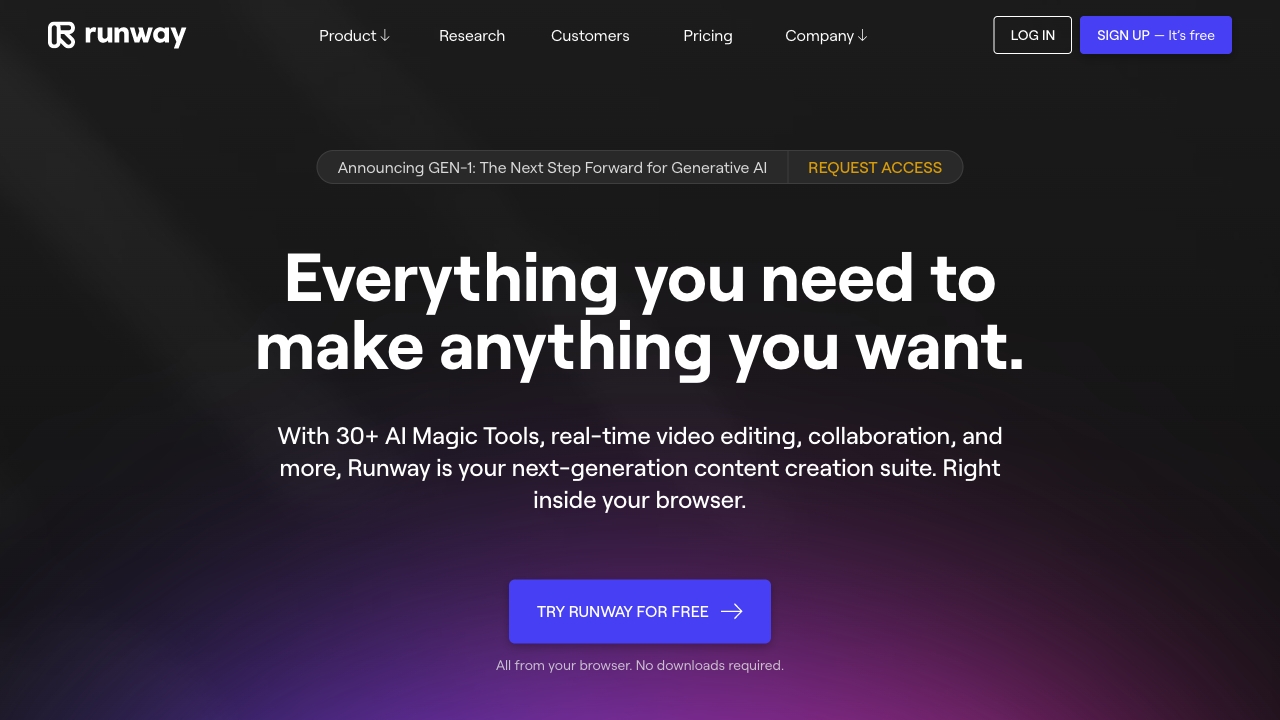
Runway Gen is an integrated video production platform designed for creators who need both video creation and editing capabilities in a single application. The software features a clean, intuitive interface with fast processing speeds and specialized templates crafted specifically for advertisement production, brand videos, and marketing content. What makes this platform stand out is its polished feel that allows users to refine, extend, and add voice narration to video clips within the same workspace environment. This makes it particularly valuable for professionals who require professional-quality content efficiently without switching between multiple tools.

Pros:

  • Combines comprehensive video creation and editing tools into one unified platform for streamlined workflows
  • Features a user-friendly interface with rapid rendering capabilities to enhance productivity
  • Provides specialized templates specifically designed for promotional materials, branded content, and marketing videos
  • Enables seamless refinement, expansion, and voice addition to video segments within a single workspace
  • Allows educational content creators to transform static presentations and slides into engaging video materials
  • Offers cinematic animation capabilities for diagrams, product demonstrations, and course introductions
  • Supports direct narration recording within the platform for more cohesive content development

Cons:

  • The Gen-4 version lacks text-to-video functionality, a capability only available in the Gen-3 Alpha model
  • Physics simulations may appear somewhat unnatural during fast-paced action sequences
  • High-resolution 4K exports consume available credits at an accelerated rate

Pricing:

Runway Gen provides a complimentary plan that includes access to basic features with a limited supply of processing credits. Premium subscription options begin at $15 per month, offering faster rendering speeds, 4K export capabilities, collaborative features, and access to both Gen-3 and Gen-4 model technologies.

Best for:

Runway Gen is ideally suited for content creators who require professional video production without navigating between multiple software applications. The platform serves marketing professionals, advertisers, and social media creators who need efficient production of branded content. It also represents an excellent solution for educators and course developers looking to convert static educational materials into dynamic video presentations with animated elements and integrated voice narration capabilities.

🔥#3
PixVerse screenshot

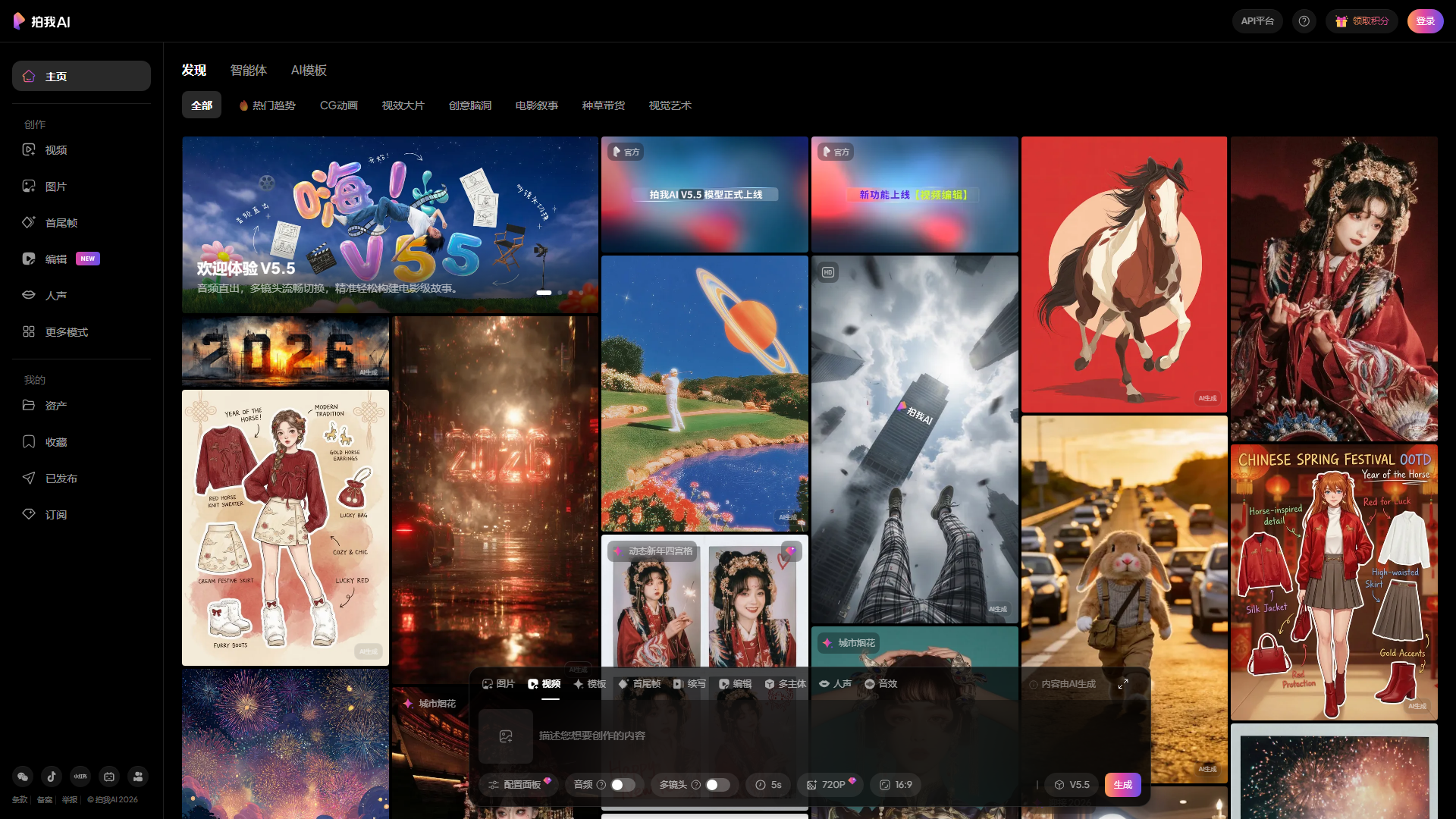
PixVerse is a specialized video creation platform designed specifically for content creators focused on short-form social media content. The application excels at producing videos for platforms such as TikTok, Instagram Reels, and YouTube Shorts. Its primary strength lies in seamless audio synchronization with visual elements, distinguishing it from many competitors in the AI video generation space. The platform incorporates built-in sound and voice generation capabilities, enabling users to produce complete, ready-to-upload videos without requiring multiple applications. Key functionalities include the Fusion feature, which allows combining various clips or images into fluid transitions ideal for demonstrating transformations or narrative sequences, and the Swap function, which enables replacement of characters or backgrounds with AI-generated alternatives that maintain a natural appearance.

Pros:

  • Streamlined video creation process specifically designed for short-form social media content
  • Integrated audio and voice generation eliminates the need for additional audio editing software
  • Fusion capability enables smooth transitions between visual elements for professional-looking results
  • Swap feature provides natural AI-powered character and background replacement options
  • Quick and efficient content production suitable for time-sensitive social media posting schedules
  • Direct export functionality for immediate sharing across various platforms
  • Ability to create diverse content types including UGC-style videos, course previews, and social advertisements

Cons:

  • The free plan imposes restrictions on monthly clip usage
  • Limited to shorter video formats, which may not suit all content creation needs
  • May lack advanced editing features found in comprehensive video production software
  • Pricing structure becomes more expensive as users require higher quality exports or additional effects
  • Potentially less suitable for long-form video content or professional video production projects

Pricing:

PixVerse offers a complimentary tier with monthly usage limitations for basic video creation. For enhanced functionality, the platform provides subscription options beginning at approximately $10 per month. This paid tier includes HD export capabilities, access to premium visual effects, and authorization for commercial utilization of created content. The pricing structure scales with additional features and usage requirements, allowing creators to select plans that align with their production volume and quality standards.

Best for:

Content creators specializing in short-form social media videos, particularly those targeting platforms like TikTok, Instagram Reels, and YouTube Shorts. The tool is ideal for social media influencers, digital marketers, and educational content producers who require rapid video creation with integrated audio elements. It serves professionals needing to generate user-generated content style videos, quick promotional materials, or social media advertisements without extensive post-production editing. PixVerse caters to individuals and businesses looking to streamline their content creation workflow while maintaining quality standards for short-form digital content.

🔥#4
Synthesia screenshot

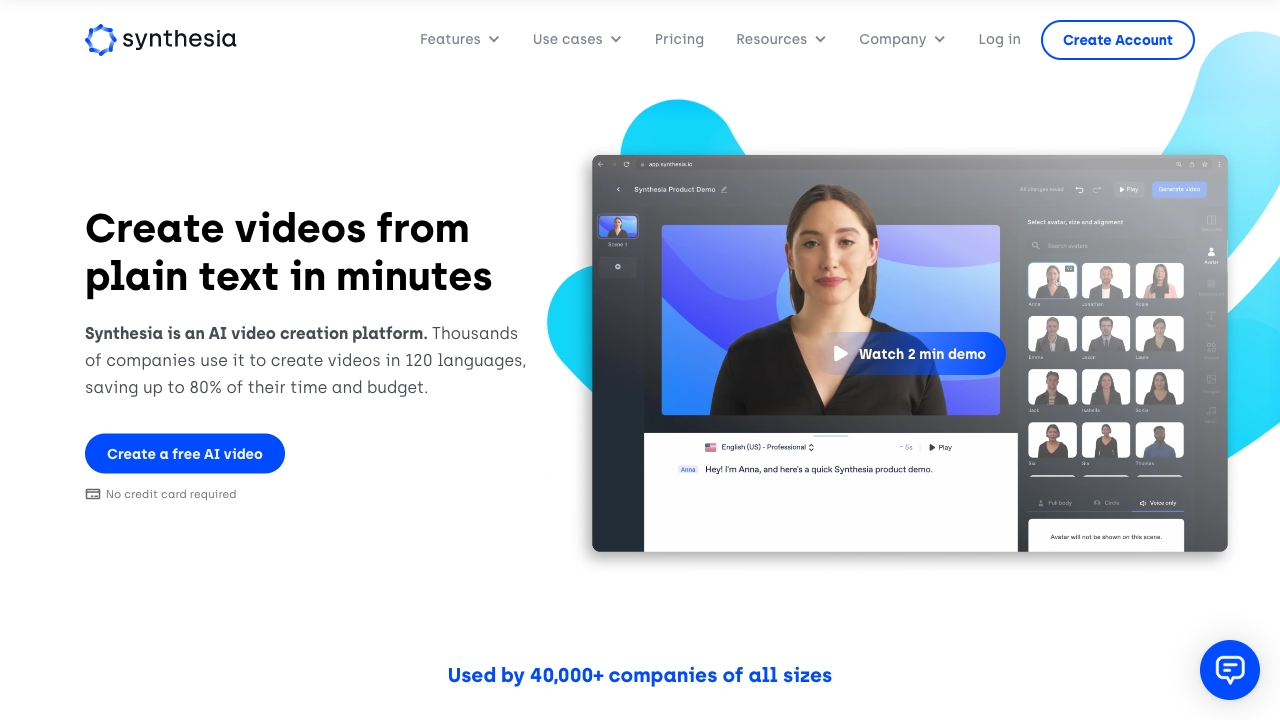
ynthesia represents a premier AI video generation platform that specializes in creating educational content, training materials, and corporate learning resources. The technology enables transformation of scripts or slide decks into professional presenter-led videos featuring realistic human avatars and natural AI voices in over 140 languages. The platform excels at converting written educational content into engaging video lessons efficiently. Users can demonstrate concepts, present slides, or develop onboarding materials without appearing on camera personally. The tool also supports creation of custom avatars using personal photographs or brief recordings, ensuring consistent brand representation across all videos. The AI presenters maintain realistic eye contact and natural movements such as gestures and nods, creating a more authentic viewing experience. Additionally, the platform allows integration of footage from external sources like Google Veo or OpenAI Sora to enhance production quality, and supports easy export to various learning management systems for seamless implementation in structured learning environments.

Pros:

  • Enables conversion of textual content into compelling video materials without requiring physical camera presence
  • Provides extensive multilingual capabilities with natural-sounding AI voices across more than 140 languages
  • Facilitates creation of personalized brand avatars using personal photos or recordings
  • Delivers consistent and realistic AI presenters with authentic eye contact and natural gestures
  • Supports efficient production of large volumes of educational content in minimal time
  • Allows integration with external video sources for enhanced visual storytelling elements
  • Enables seamless export to various learning management systems for educational implementation
  • Maintains professional production quality while significantly reducing time and resource requirements

Cons:

  • Restricted video creation duration on free and entry-level subscription plans
  • Complimentary plan exports contain visible watermarks that may compromise professional appearance
  • Higher subscription costs might present budget challenges for individual educators or small teams
  • Custom avatar creation process may demand additional time and resources for optimal results
  • Potential learning curve for users inexperienced with AI video production technologies
  • Integration capabilities may vary depending on compatibility with external tools and platforms

Pricing:

Synthesia implements a tiered pricing model designed to accommodate diverse user requirements. The no-cost plan permits creation of up to 3 minutes of video content monthly, provides access to approximately 9 standard avatar options, and includes complete multilingual functionality across 140+ languages, though all exported videos feature visible watermarks. For enhanced capabilities, the Starter plan is available at approximately $29 per month, with annual billing options reducing the monthly cost to approximately $18. This upgraded tier increases video creation allowance to 10 minutes monthly, expands the selection of available avatars, eliminates watermarks from exports, and provides download privileges for all created content.

Best for:

Synthesia serves as an optimal solution for learning and development departments and online educators who require rapid production of substantial educational content. The platform addresses the needs of professionals and organizations aiming to maintain consistent branding through customizable avatars while eliminating the necessity for on-camera appearances. It proves particularly valuable for corporate trainers, instructional designers, and e-learning content creators who must produce professional training materials at scale. Additionally, the tool benefits educational institutions and e-learning platforms requiring integration with existing learning management systems while delivering high-quality, engaging video content to diverse audiences across multiple languages and regions.

🔥#5
Descript screenshot

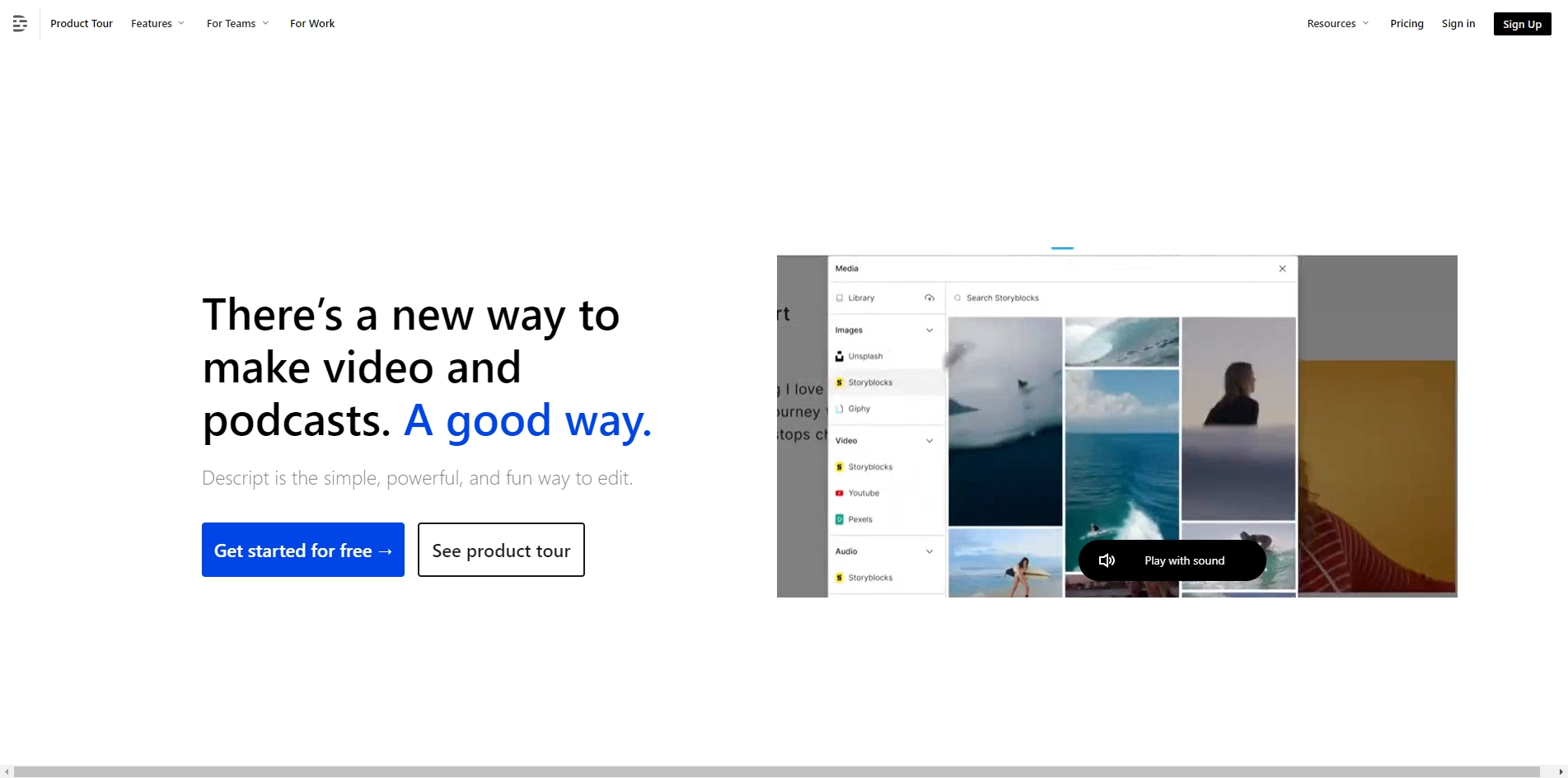
Descript represents an innovative artificial intelligence-powered video and audio editing solution that enables content manipulation through text-based editing. This distinctive approach allows users to modify videos by simply editing their transcripts, where deleting a word automatically removes the corresponding segment from the video footage. The platform serves as an efficient resource for individuals creating educational materials, podcasts, and courses, significantly accelerating the transformation of unedited recordings into professional-quality content without requiring traditional timeline editing techniques.

The software incorporates an integrated AI assistant named Underlord that extends functionality beyond basic editing. Users can leverage this feature to compose or enhance scripts, produce visual elements, modify presentation layouts or color schemes, and generate supplementary footage through straightforward text commands.

Additional artificial intelligence capabilities include Studio Sound for audio enhancement and noise reduction, Eye Contact technology for gaze correction during video presentations, and Green Screen functionality for immediate background replacement.

Notable among recent updates is the Regenerate feature, which permits voiceover corrections by automatically replicating the user's vocal characteristics and synchronizing lip movements. The platform also supports AI avatar creation and video translation across more than 24 languages, making it suitable for developing anonymous educational content or multilingual instructional materials.

Pros:

  • Provides text-based video editing functionality that simplifies the editing process by allowing modifications through transcript edits rather than complex timeline manipulation
  • Features an AI assistant capable of generating scripts, creating visuals, adjusting layouts, and producing supplementary footage from simple text prompts
  • Includes specialized AI tools for audio enhancement, gaze correction, and background replacement to improve video quality
  • Offers voice cloning technology that maintains vocal consistency when modifying recorded speech
  • Supports multilingual capabilities with translation into over 24 languages to expand audience reach
  • Enables creation of AI avatars for developing faceless course content or virtual presentations

Cons:

  • The free tier imposes restrictions on monthly usage with limited media hours and reduced export quality
  • Higher-tier plans required to access premium features such as 4K export quality and complete AI functionality
  • May present a learning curve for users accustomed to traditional video editing interfaces and workflows

Pricing:

Descript provides a complimentary option that includes one hour of monthly media processing with standard definition exports and restricted artificial intelligence features.

Subscription-based plans commence at $16 monthly for the Hobbyist tier, which offers high-definition export capabilities. The Creator plan, priced at $24 per month, provides ultra-high definition 4K exports, comprehensive access to artificial intelligence features, 800 AI credits, and unlimited stock media resources.

Best for:

Content creators specializing in educational materials, podcast producers, online instructors, and multimedia developers who prioritize efficient workflow and seek innovative editing solutions. The platform particularly benefits professionals looking to transform raw recordings into refined content without mastering traditional timeline editing techniques. Additionally, it serves creators developing multilingual content or requiring faceless presentation options through AI avatar technology.

🔥#6
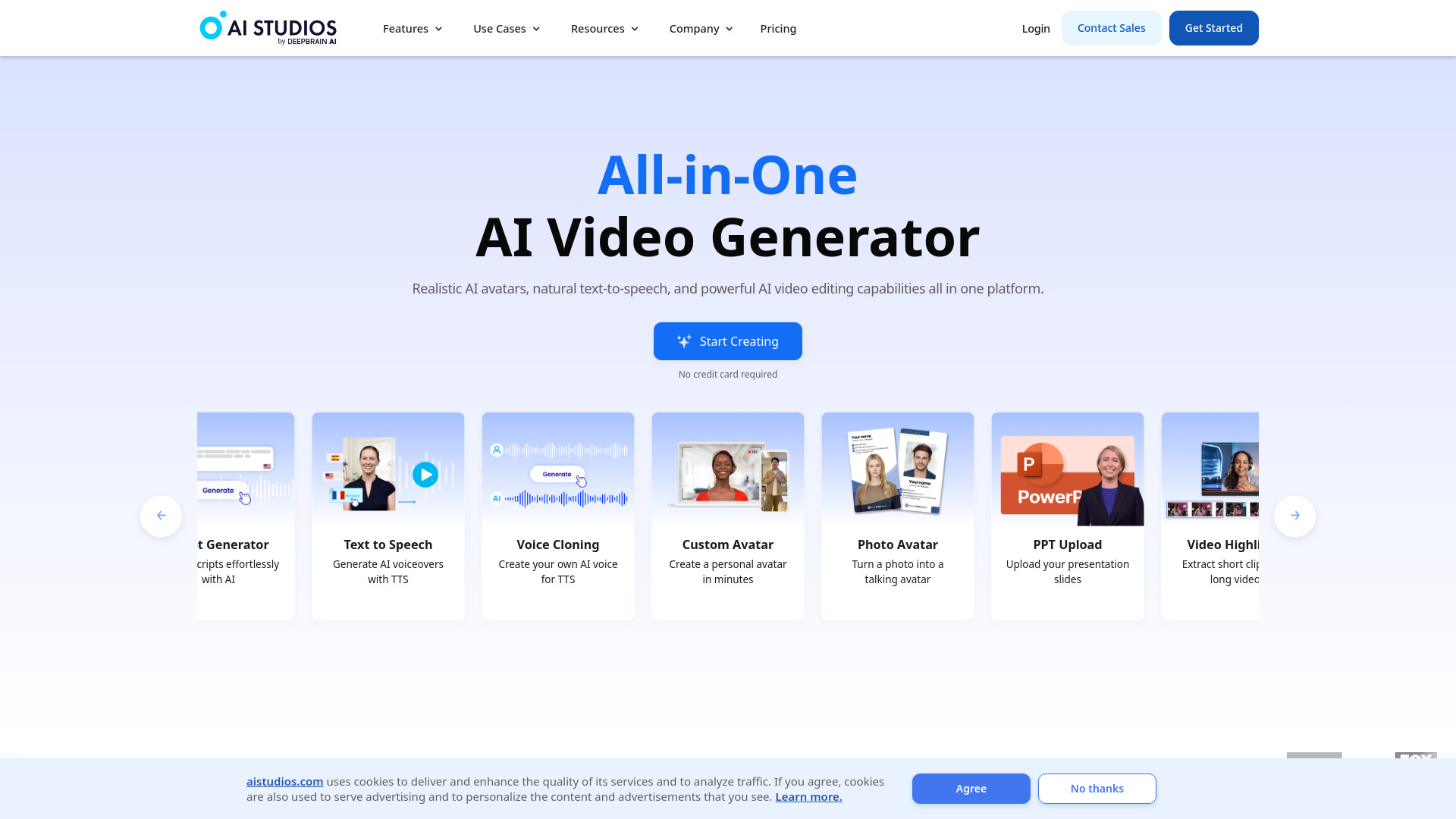
AI STUDIOS screenshot

AI Studios is a web-based artificial intelligence video production platform specializing in lifelike digital avatars, voice replication, and multilingual voiceovers. This innovative tool enables users to transform written scripts, website links, PowerPoint presentations, or PDF documents into engaging presenter-led videos within minutes, eliminating the need for filming equipment or advanced editing expertise.

Pros:

  • Allows educators and trainers to develop instructional videos and standard operating procedure demonstrations without personally appearing on camera
  • Converts course introductions and lesson recaps into avatar-presented videos across numerous languages
  • Facilitates the creation and distribution of news-style announcements for online communities or membership platforms
  • Offers a diverse library of more than 2,000 artificial intelligence avatars to choose from
  • Supports over 150 languages and 1,000 different voice options for video narration
  • Enables users to generate personalized avatars by submitting brief video recordings of themselves
  • Provides synchronized AI dubbing technology that clones the user's voice in various languages with accurate lip movements
  • Enhances course localization capabilities for global audiences

Cons:

  • Videos created with the complimentary plan display a visible watermark
  • Monthly operation quotas restrict the number of intensive AI features that can be utilized
  • Knowledgeable viewers may recognize that the presenters are computer-generated characters
  • Some advanced features require higher subscription tiers
  • Custom avatar creation might require specific technical setup for optimal results

Pricing:

The complimentary tier permits 3 video exports (capped at 3 minutes each), includes 1 personalized avatar, provides 16 monthly credits, delivers 720p resolution quality, and displays a watermark.

The Personal plan, beginning at $24 monthly, offers unlimited exports (up to 30 minutes per video), 3 custom avatars, 60 monthly credits, 1080p high-definition quality, access to 150+ languages, professional templates, Shutterstock media integration, and removes watermarks.

The Team option, starting at $55 per user monthly, encompasses all Personal plan benefits while adding 5 custom avatars, 4K ultra-high-definition export capability, increased credit allocation, brand customization tools, multi-character scene creation, and collaborative workspace features.

The Enterprise solution provides customized pricing arrangements with unlimited video durations, unrestricted custom avatar development, 4K resolution, SCORM export functionality, batch video production capabilities, enhanced security measures, and dedicated technical assistance.

Best for:

This platform serves content creators, instructional designers, corporate trainers, and digital marketers seeking to produce professional video content without physical filming requirements. It particularly benefits organizations requiring multilingual training materials, course developers aiming to enhance global reach, and community managers needing regular video updates. AI Studios also appeals to businesses maintaining consistent branding across video content and teams requiring collaborative video production workflows with centralized asset management.

🔥#7
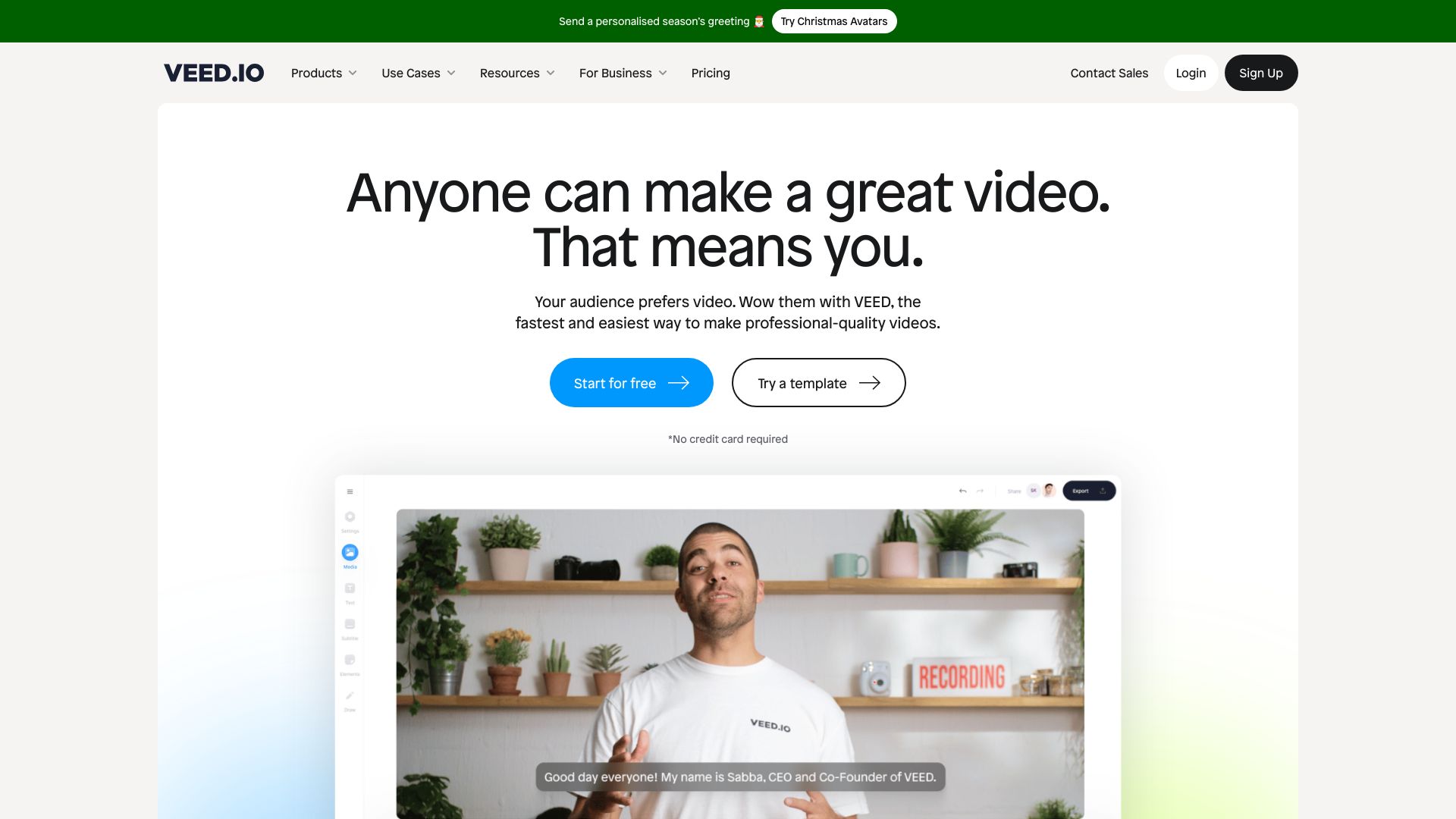
VEED.IO screenshot

VEED.IO represents a comprehensive web-based solution for video production, offering an all-in-one platform that integrates artificial intelligence video generation, editing capabilities, dubbing services, translation features, and collaborative team functions. This versatile tool caters to content creators, educational professionals, and small business enterprises seeking to produce, edit, and distribute video content without the need to utilize multiple separate applications.

The platform distinguishes itself through its dual functionality as both a video generator and editor. Users can initiate projects by providing text prompts for automatic video creation or by converting slide presentations into video format. Alternatively, existing video clips can be uploaded for AI-powered enhancement. VEED.IO provides advanced audio processing capabilities including removal of unnecessary verbal fillers, elimination of background noise, correction of eye contact in recorded videos, and automatic subtitle generation. Additionally, the system supports dubbing content in more than 50 languages with natural lip synchronization and enables personal voice cloning for maintaining consistent audio branding across multiple videos.

For enhanced creative possibilities, VEED.IO integrates with cutting-edge AI models such as Google Veo 3.1, OpenAI Sora 2, and Kling AI, allowing users to generate cinematic supplementary footage or animated graphics without exiting the editing environment. Educational content creators particularly benefit from the streamlined workflow that enables them to transform lesson recordings into polished, branded training videos with subtitles and translations in just minutes. The platform also includes built-in branding tools and collaborative features designed for team environments.

Pros:

  • Dual functionality as both video generator and editor provides comprehensive production capabilities in a single platform
  • AI-powered features including automatic audio enhancement, noise reduction, and eye contact correction streamline the editing process
  • Extensive language support with natural lip-sync dubbing in over 50 languages and personal voice cloning options
  • Integration with advanced AI models enables creation of cinematic quality visuals without specialized software
  • Built-in brand management tools maintain consistent visual identity across all video content
  • Collaborative features support team-based video production workflows
  • Browser-based accessibility eliminates the need for software installation and enables work from any location
  • Specialized workflow for educational content creators allows rapid transformation of raw recordings into polished training materials

Cons:

  • The free plan includes watermarks and limits video resolution to 720p, restricting professional use without upgrading
  • Higher-tier plans may be required for extensive AI video generation, as basic plans limit daily AI video creation
  • Integration with advanced AI models may require additional subscription tiers beyond the standard offerings

Pricing:

VEED.IO offers a tiered pricing structure designed to accommodate different user needs and budgets. The complimentary free tier provides access to fundamental editing tools with export capabilities limited to 720p resolution and includes a watermark on all produced videos. For users requiring enhanced functionality, the Lite plan is available at a monthly subscription fee of $9, which removes watermarks, enables 1080p high-definition exports, and provides a daily allowance of five AI-generated videos. Additional premium tiers may be available for users with more advanced requirements, though specific pricing details for these options were not provided in the original information.

Best for:

VEED.IO serves as an ideal solution for content creators, educational professionals, and small business owners who need to produce high-quality video content without navigating complex software interfaces or managing multiple applications. The platform is particularly well-suited for course creators and educators who require efficient workflows for transforming raw lesson recordings into professional training materials with multilingual support. Teams requiring collaborative video production capabilities will also find value in the integrated teamwork features. The tool benefits users who need both AI-powered video generation from text prompts and traditional editing functions within a single, accessible browser-based environment.

🔥#8
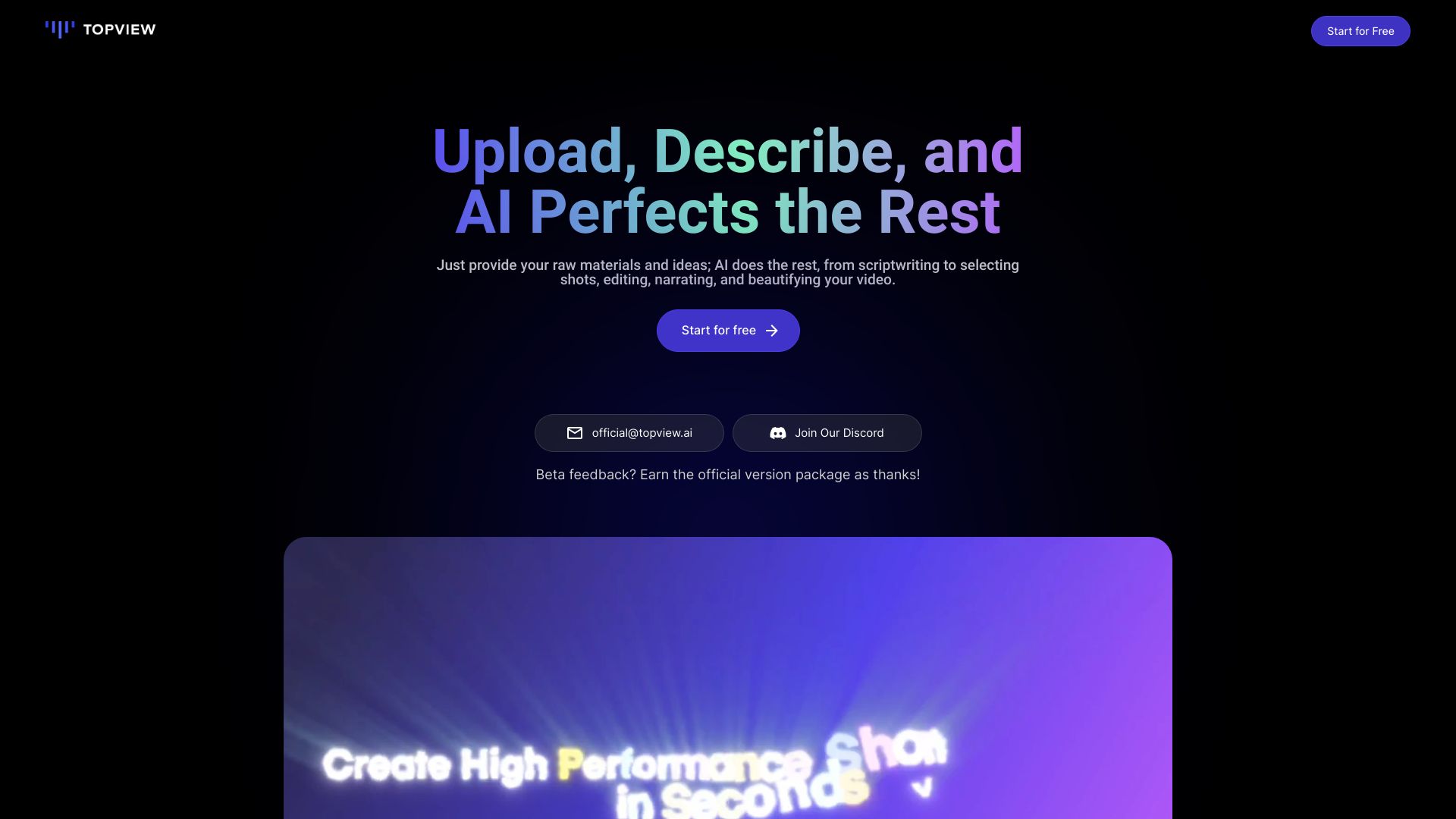
Topview.ai screenshot

Topview AI is an innovative platform that enables users to create professional product videos for social media platforms in just minutes. The tool offers several key features including auto-editing capabilities that produce natural cuts with intentional timing, reference video input that allows users to analyze and recreate viral content structures, a comprehensive creation dashboard with multiple tools for video and image production, and various avatar creation options for adding human presence to videos without appearing on camera.

Pros:

  • Guided Mode simplifies the video creation process by asking targeted questions about audience, purpose, and style to ensure beginners don't overlook important settings.
  • The auto-editing functionality generates professional-looking videos with seamless cuts and synchronized audio without requiring manual timeline manipulation.
  • AI script generation significantly reduces production time by crafting natural-sounding voiceovers that align with the product's brand voice and tone.
  • The reference video feature enables users to instantly analyze and replicate the engaging qualities of viral videos using their own product imagery.
  • Quick rendering times of 3-10 minutes accommodate tight content schedules, with an iOS app available for mobile creation.

Cons:

  • The free tier imposes restrictions, offering only standard quality videos with a maximum duration of 15 seconds and watermarked outputs.
  • Access is limited to desktop web platforms, with no mobile browser support, though an iOS application is available for on-the-go editing.

Pricing:

Topview AI implements a credit-based pricing structure with multiple tiers to accommodate different content creation needs:

Free: Provides 10 one-time credits for creating 2 watermarked standard quality videos, perfect for testing guided mode and auto-scripting features before committing to a paid subscription.

Pro: Priced at $16 per month with annual billing, includes 80 monthly credits suitable for producing 10-15 videos (requiring 5 credits each) with a maximum length of 15 seconds in standard quality. This plan caters to individual creators and small businesses with weekly content requirements.

Business: Available at $40 per month with annual payment terms, offers 250 credits and removes the 15-second limitation while enabling high-quality exports. This tier is specifically designed for agencies managing multiple client campaigns.

Enterprise: Features customized pricing with team seats and elevated usage limits, engineered for marketing teams producing video content at scale.

Note: Standard quality videos of 15 seconds require 5 credits, while high-quality or extended clips consume between 7.5-10 credits.

Best for:

Topview AI is particularly well-suited for product marketers and small business owners who need to create attention-grabbing videos rapidly but prefer not to appear on camera or invest in production teams. The platform benefits users testing advertisements across various platforms, operating e-commerce stores, managing dropshipping catalogs, or those frustrated with juggling multiple tools for short video creation. It consolidates the entire video production workflow into a single efficient system.

🔥#9
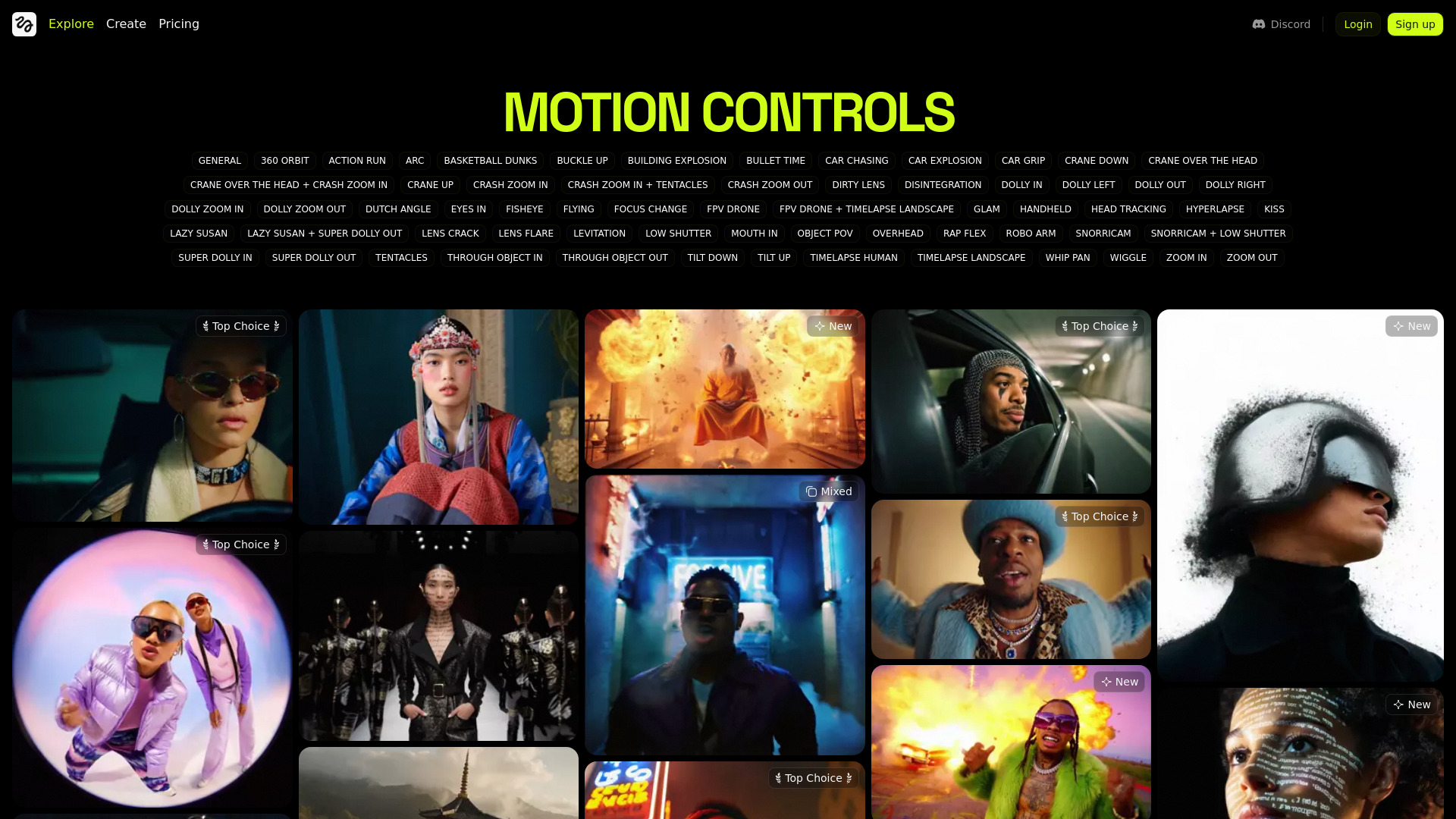
Higgsfield screenshot

Higgsfield functions as an all-in-one AI video creation platform that brings together multiple advanced tools including Seedance 1.5 Pro, Kling 2.6, Google Veo 3.1, Sora 2, and Higgsfield DDP. This integration eliminates the hassle of juggling separate applications for video production. Users can select from various AI models that best match their creative vision, ensuring their projects receive the most appropriate technological approach. The platform offers 10 free credits daily, allowing users to experiment with different features without financial commitment.

Pros:

  • The daily provision of 10 complimentary credits enables users to explore platform capabilities without incurring costs.
  • Integration of premium AI models such as Seedance, Kling, Google Veo, and Sora 2 offers versatility, allowing users to choose the most suitable tool for specific project requirements.
  • All generated content maintains professional standards and realistic appearances, avoiding the typical artificial look associated with AI-produced media.
  • Streamlined interface requiring no more than three steps for most functions ensures accessibility for users with limited technical expertise.
  • Over 250 pre-configured options eliminate the need for complex prompt engineering, with processing times averaging between 1 to 2 minutes.
  • Automatic formatting tailored to specifications of major social media platforms reduces manual editing work and post-production requirements.

Cons:

  • Certain features allow users to initiate workflows before revealing premium plan requirements, causing frustration when encountering payment barriers late in the process.
  • Credit usage varies significantly across different functions, ranging from 6 to 9 credits per operation, necessitating careful resource planning and budget management.
  • Meaningful platform access requires the Pro plan minimum at $17.4/month because the Basic tier offers limited functionality that most users will quickly outgrow.
  • While basic features are intuitive, achieving proficiency with the complete toolkit demands considerable time investment and a learning curve.

Pricing:

Basic Tier: Available at $9 monthly, this plan provides 150 credits, restricted model access, and processing limits of 2 videos, 2 images, and 1 character simultaneously. This option serves primarily as an introduction to the platform, though users with regular content creation needs will typically require an upgrade within a short period.

Professional Tier: Priced at $17.40 per month, this plan includes 600 credits, access to all AI models, concurrent processing of 3 videos, 4 images, and 2 characters, plus unlimited image generation. This represents the optimal choice for most content creators, offering complete access to all platform features without workflow interruptions.

Ultimate Tier: At $24.50 monthly (the most popular option), subscribers receive 1,200 credits, 365 days of unlimited Nano Banana Pro, early access to new AI features, and unlimited FLUX.2 Pro usage. The additional $7 investment compared to the Professional tier proves valuable for those creating daily content, with doubled credits and unrestricted features enabling creative experimentation without budget concerns.

Creator Tier: Priced at $37.40 monthly, this premium plan includes 6,000 credits, 365 days of unlimited Nano Banana Pro, a 15% discount on additional credit purchases, and access to a bonus unlimited model. Designed specifically for agencies, professional creators, and high-volume operations, this tier accommodates users managing multiple client accounts or producing dozens of videos weekly by providing the necessary scale and resources.

Best for:

  • E-commerce businesses needing product advertisement videos without hiring professional videographers, utilizing the UGC Factory feature that automates the entire workflow from URL input to polished ad.
  • Content creators and influencers who require platform-ready videos for TikTok, Instagram Reels, and YouTube without manual reformatting.
  • Social media marketers testing multiple video styles quickly by switching between AI models instead of committing to a single aesthetic approach.
  • Digital agencies scaling video production for multiple clients without expanding their teams.
  • Educators and course creators transforming static presentations into engaging talking-head videos through Lipsync Studio.
  • Small business owners obtaining agency-level video content at a fraction of traditional production costs.
🔥#10
RecCloud screenshot

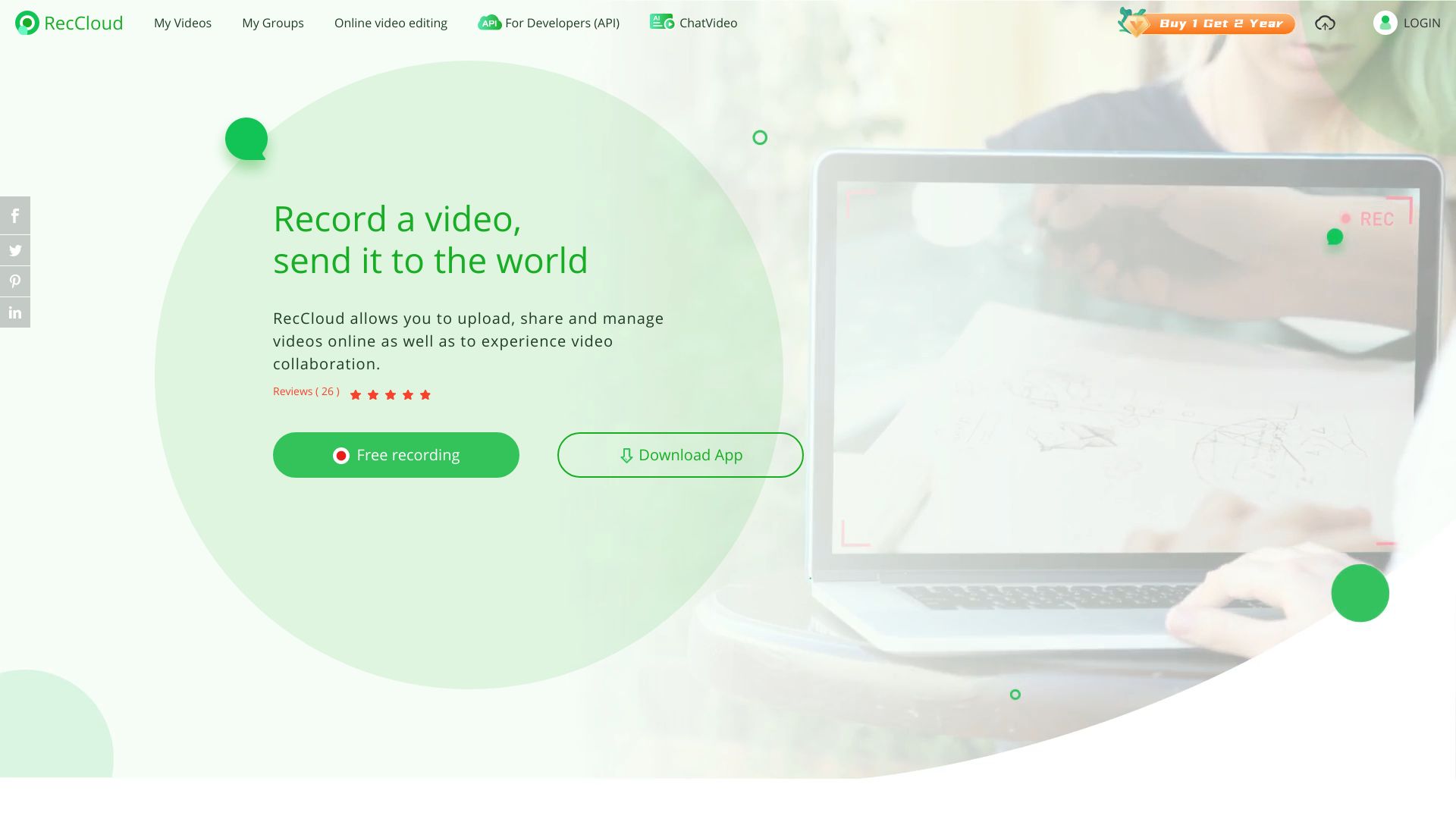
RecCloud is a versatile multimedia content creation platform that provides various tools for audio and video processing. Users can transcribe audio or video files into accurate text, convert text to speech in natural-sounding voices, generate videos from text or images, translate videos and create subtitles in multiple languages, and summarize long recordings. The platform serves as a comprehensive solution for creators working with video, audio, or text content.

Pros:

  • The platform consolidates multiple content creation tools into a single interface, eliminating the need to switch between different applications and streamlining the workflow.
  • Transcription capabilities demonstrate high accuracy even in challenging situations such as overlapping speech or background noise.
  • Translation functionality produces natural-sounding subtitles that accurately capture idiomatic expressions, outperforming some standard translation services.
  • The free plan offers genuinely useful features with minimal limitations, allowing users to thoroughly evaluate the platform before committing to a paid subscription.

Cons:

  • The credit system lacks transparency, making it difficult for users to track their remaining usage and potentially leading to unexpected credit depletion.
  • The platform is not designed for deep editing work, lacking advanced features for visual fine-tuning, color grading, or precise shot timing adjustments.
  • The mobile application, particularly on Android platforms, experiences occasional performance issues such as freezing or lagging during video generation processes, despite the smooth web interface.

Pricing:

RecCloud provides a complimentary option with basic functionality including limited video length, restricted credit allocation, and watermarked exports. For enhanced features, users can opt for paid plans that extend video duration, improve export quality, and increase storage capacity. As of the latest information, subscription costs range from approximately $1 to $9 weekly depending on the selected tier, with business-level access available at around $20 per month.

Best for:

RecCloud is most suitable for content creators who regularly work with multimedia and require an all-in-one solution for various audio and video processing tasks. It is particularly valuable for professionals who need efficient transcription services, multilingual content creation, or quick video generation from text. The platform benefits both individual creators and teams looking to simplify their workflow by reducing the number of separate tools needed for content production.

The Best AI Video Generator Tools - FAQ

Not entirely. AI tools are excellent for handling simple tasks, but they cannot match the creativity and skill of human editors for complex projects.

AI video generators excel at automating basic functions such as adding subtitles, AI-generated voiceovers, and stock footage. However, they can't replace professional editors who specialize in storytelling, creativity, and custom animations—areas where AI currently falls short.

Yes, as long as the content adheres to the platform’s guidelines and doesn’t violate any rules (such as impersonation or misinformation). Many content creators already use AI-generated elements like B-roll, avatars, and voiceovers in their monetized videos.

AI video generation involves creating entirely new visuals or scenes based on text or image prompts. In contrast, AI video editing enhances or modifies existing footage—such as improving audio, adding captions, or generating B-roll automatically—to make the video more polished.

Short answer: no, but they are changing what editors are paid for.

In 2026, AI video generators handle repetitive tasks like cutting clips, adding captions, generating b-roll, and turning scripts into video drafts. This reduces the need for editors on basic content such as YouTube videos, social media posts, training videos, and simple marketing explainers.

However, human editors remain essential for storytelling, pacing, emotion, and brand nuance. The role is shifting: AI manages execution, while humans provide creative judgment. Many editors now use AI tools to work faster, take on more projects, and focus on high-value creative work.

Most AI tools provide full commercial rights to the videos you create. However, stock footage, music, or other external assets used within the video may have separate licensing rules. Always review the platform's terms of service before publishing AI-generated content to ensure compliance.

Final Thoughts

Here are the top 10 AI Video Generators you can use to create stunning AI-generated videos and animations:

Most of these tools offer free trials, so we recommend testing them yourself to see which one best fits your needs.

At NavAiTools, our mission is to help you discover the best AI tools to grow your business while keeping you up to date with the latest AI news. To keep our tools directory accurate and valuable, we continuously explore the market for new software. Click the button below to browse and compare all available tools.