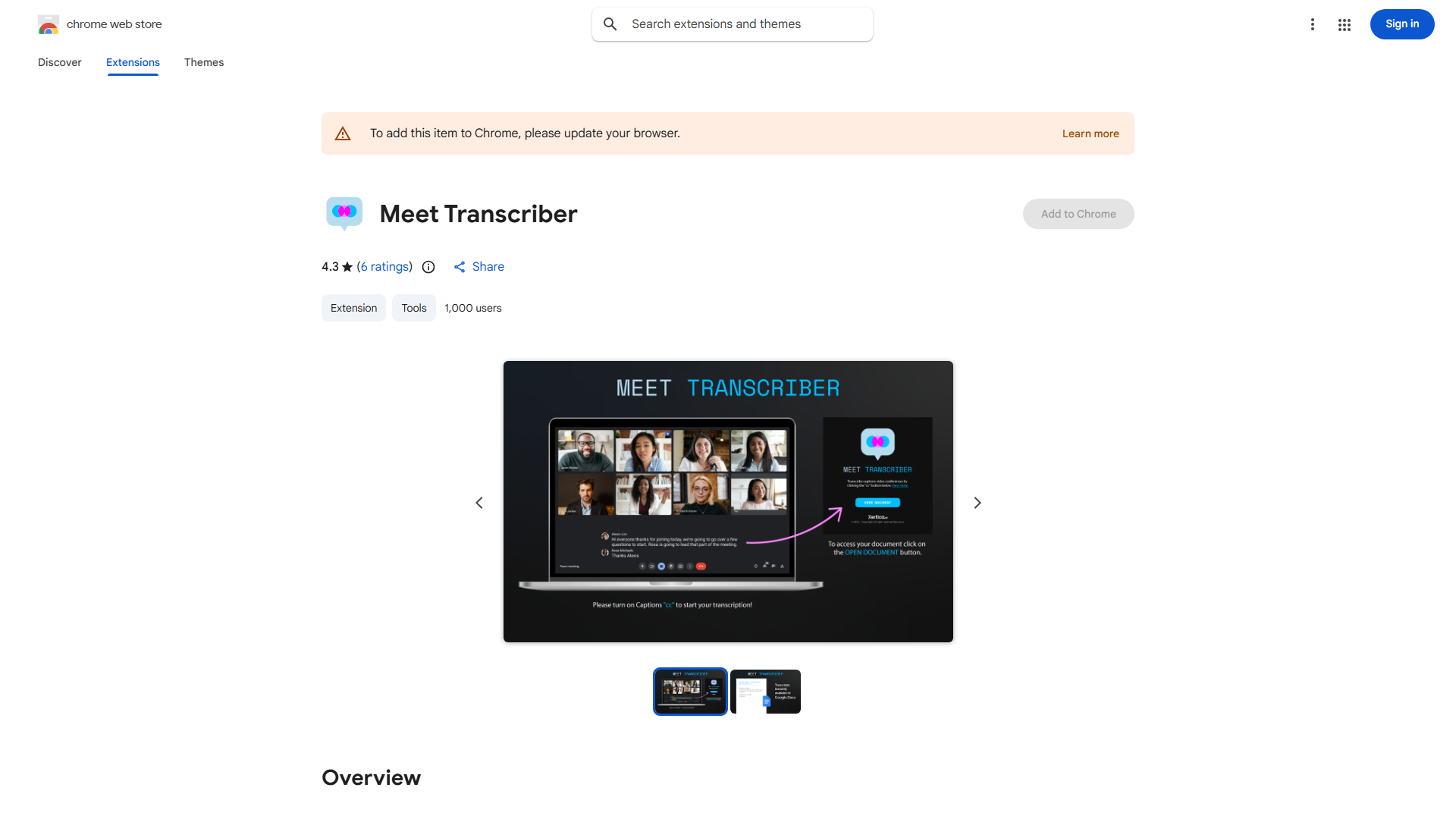
What is Real-time Transcription for Google Meet?
Real-time Transcription for Google Meet is an innovative tool designed to break down language barriers during video conferences. This application provides accurate, real-time transcription of spoken conversations, making Google Meet accessible to global teams and language learners. By converting speech to text instantly, it ensures every participant can follow discussions regardless of language proficiency, with human correction for enhanced precision.
How to use Real-time Transcription for Google Meet?
Using this tool is straightforward. During your Google Meet session, simply click the transcription icon in the meeting controls to activate the feature. The application will automatically begin transcribing all spoken content in real-time, displaying text on the screen for all participants to view. You can adjust settings for preferred languages and enable human review for maximum accuracy. The transcriptions remain visible throughout the meeting and can be saved for later reference.
Core features of Real-time Transcription for Google Meet?
- Real-time transcription that captures and displays spoken words instantly
- Human correction system that ensures transcription accuracy through professional review
- Support for multiple unsupported languages, expanding communication possibilities
- Accessibility enhancement for participants with hearing impairments
- Searchable transcript feature allowing easy review of meeting content
- Speaker identification that differentiates between multiple participants in the transcription
























