
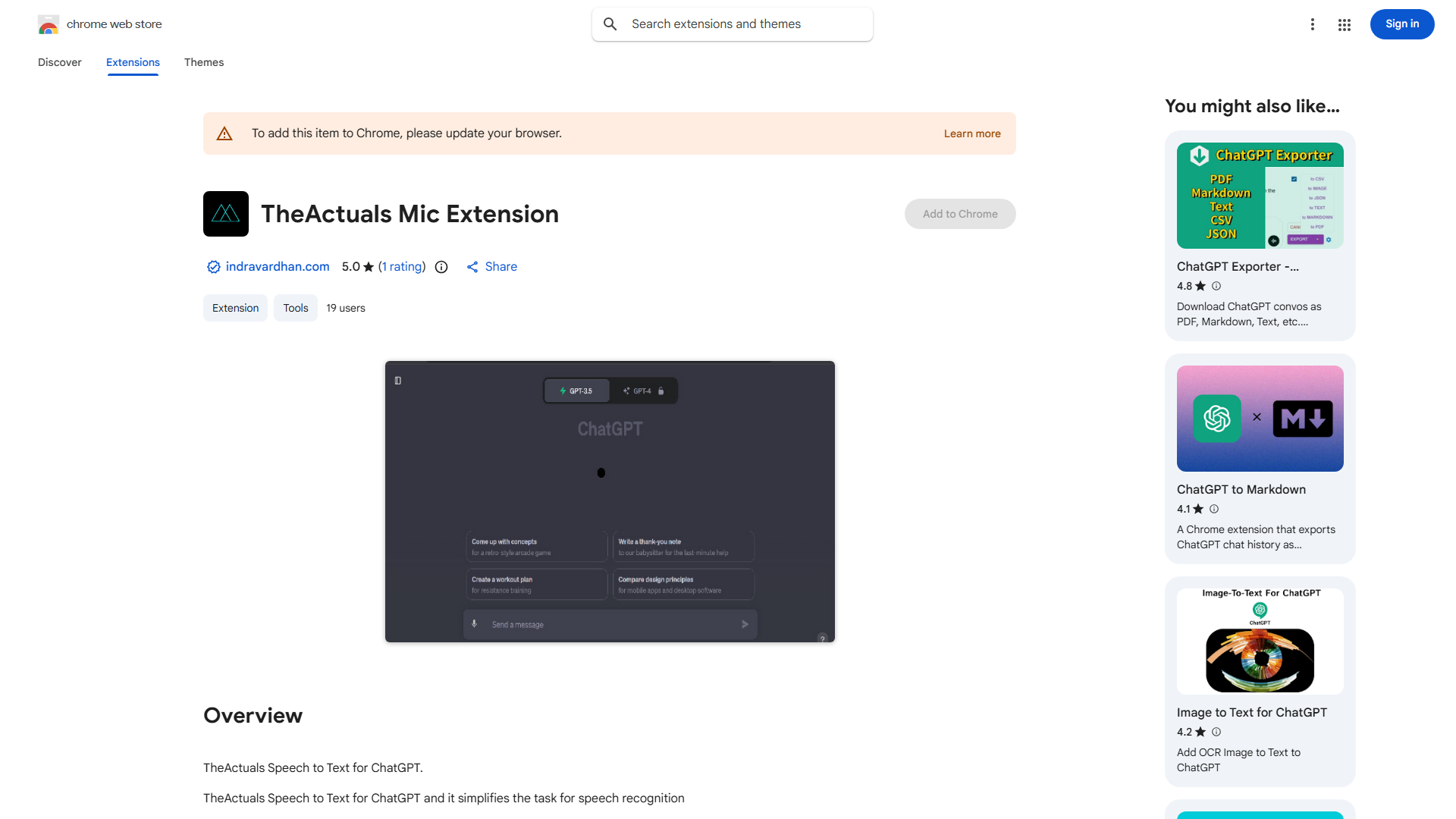
What is TheActuals Speech to Text for ChatGPT?
TheActuals Speech to Text for ChatGPT is an AI-powered voice recognition tool that transforms spoken language into text input for ChatGPT. This innovative application bridges the gap between voice commands and text-based AI interactions, enabling users to communicate with ChatGPT through natural speech rather than typing. Designed for efficiency and accuracy, it serves professionals, students, and anyone seeking a more intuitive way to engage with AI assistants for tasks like brainstorming, note-taking, and real-time translation.
How to use TheActuals Speech to Text for ChatGPT?
To use TheActuals Speech to Text for ChatGPT, first install the application and ensure it's connected to your ChatGPT account. Open the app and position your microphone properly. Click the record button and begin speaking your message clearly. The app will transcribe your speech in real-time, displaying the text as you speak. Once you finish speaking, the transcribed text automatically transfers to ChatGPT's input field. You can then review the text, make minor edits if needed, and send your message to ChatGPT with a single tap.
Core features of TheActuals Speech to Text for ChatGPT?
- Real-time Speech Recognition: Instantly converts spoken words into text with minimal delay, maintaining natural conversation flow
- Multi-language Support: Accurately transcribes speech in multiple languages, ideal for international communication and translation tasks
- Voice Command Integration: Supports voice commands to control ChatGPT functions, such as "send message" or "clear text"
- Background Processing: Continues transcribing even when the app is minimized, allowing seamless multitasking
- Custom Vocabulary: Learns and adapts to user-specific terminology and accents for improved accuracy over time
























