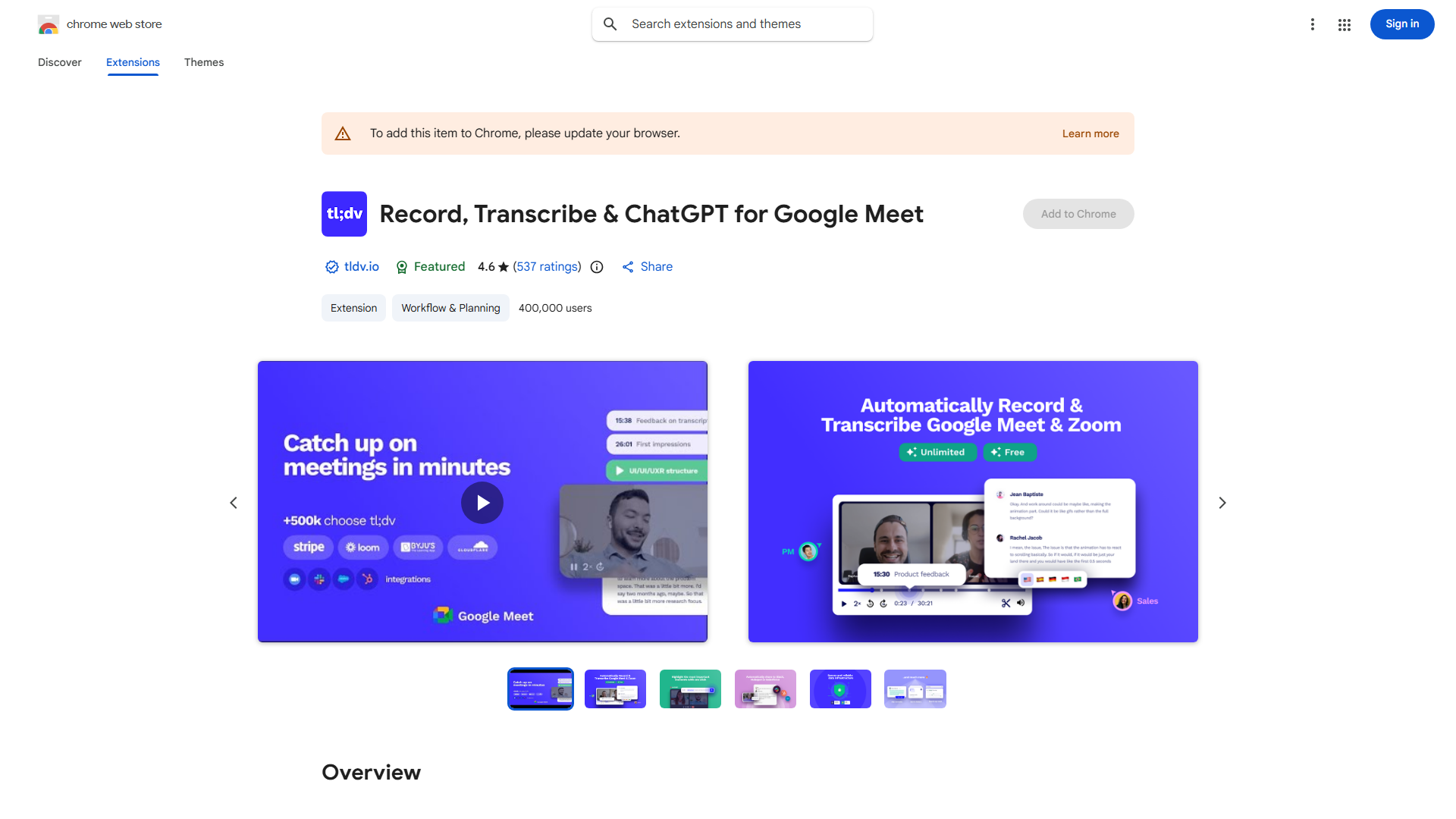
What is tl;dv?
tl;dv is a powerful meeting recorder and AI note taker designed to seamlessly integrate with popular video conferencing platforms like Google Meet, Zoom, and Microsoft Teams. This innovative tool ensures that every meeting is captured with precision, providing users with a comprehensive recording and an intelligent summary. By leveraging advanced AI technology, tl;dv not only records audio and video but also generates detailed notes and action items, making it an indispensable asset for professionals seeking to maximize productivity and efficiency. Its user-friendly interface and robust features make it perfect for teams of all sizes, from startups to large corporations, enabling them to streamline their meetings and keep everyone on the same page.
How to use tl;dv?
Using tl;dv is straightforward and efficient. Simply start your video conference as usual through your preferred platform, and tl;dv will automatically begin recording the meeting. Once the session concludes, the tool's advanced AI algorithms will process the audio and video content, creating a comprehensive transcription with highlighted key points and actionable items. This intelligent summary can be easily accessed through the tl;dv dashboard and shared with team members, ensuring that no important detail is overlooked and everyone remains aligned on meeting outcomes.
Core features of tl;dv?
The application offers several powerful functionalities that enhance meeting productivity:
- Automated Recording: tl;dv records meetings automatically without manual intervention, capturing every moment of your video conferences.
- AI-Powered Transcription: Utilizes cutting-edge AI technology to transcribe meetings with high accuracy, converting spoken content into clear, searchable text.
- Intelligent Summarization: Generates detailed meeting summaries highlighting key discussions, decisions, and action items, saving valuable time on post-meeting reviews.
- Seamless Platform Integration: Works effortlessly with Google Meet, Zoom, and Microsoft Teams, requiring no additional setup or technical expertise.
- Collaborative Sharing: Allows easy sharing of meeting recordings and summaries with team members, facilitating better communication and follow-up.
























