
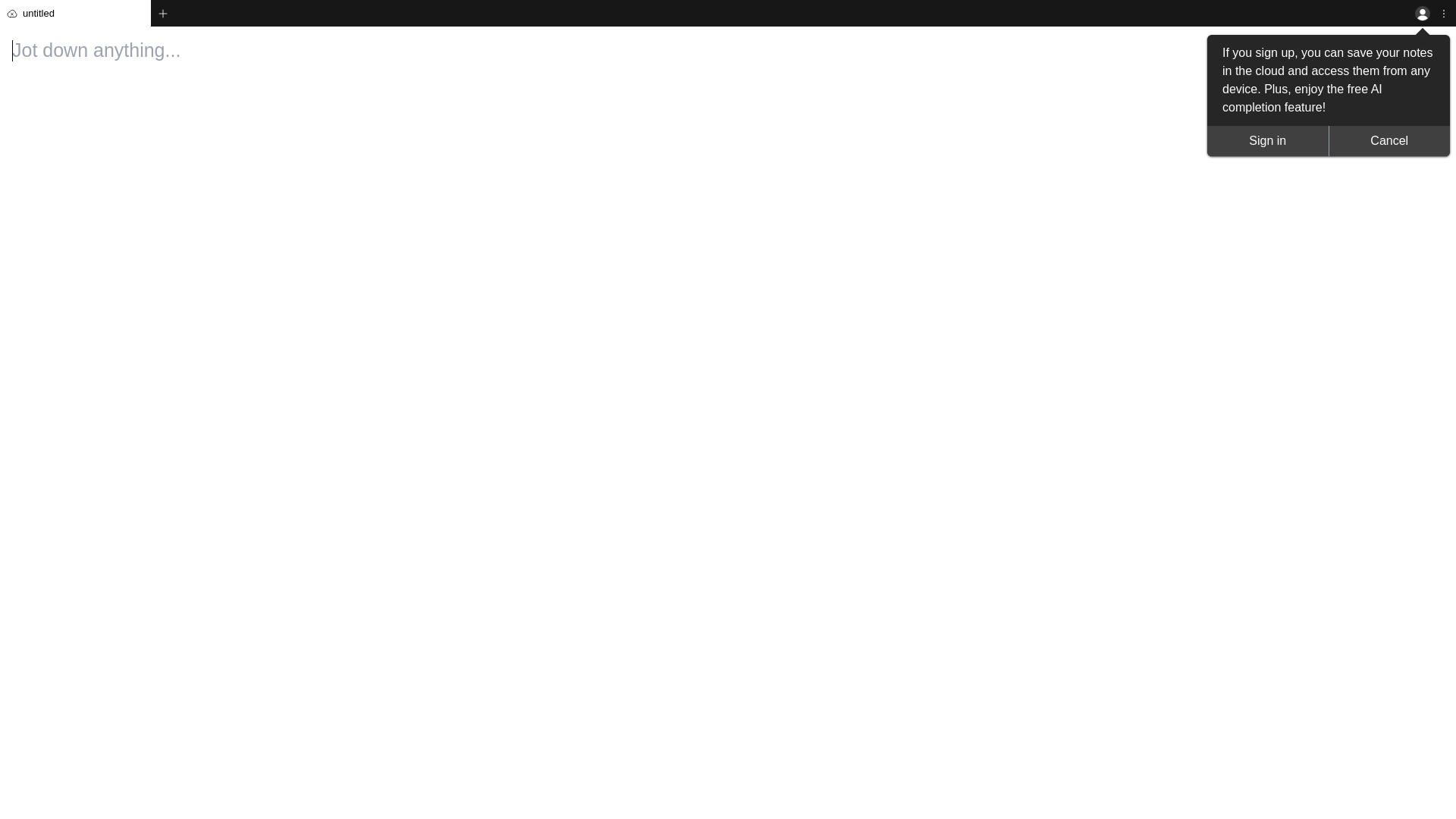
What is txtpad?
txtpad is a free online text editor that combines cloud saving with advanced AI features. Designed for both beginners and professionals, it provides an intuitive interface for creating, editing, and managing text documents. The cloud-saving feature ensures your work is always safe and accessible from any device, while AI-powered tools like grammar checking and style suggestions enhance writing quality. Whether you're crafting simple notes or detailed reports, txtpad serves as the ideal tool for all text editing needs.
How to use txtpad?
Visit the txtpad website and create an account to begin. Start typing your document, and it will automatically save to the cloud. You can continue working on any device by accessing your account. The AI features are seamlessly integrated into the editor, providing real-time suggestions as you type. Multiple documents can be managed simultaneously, with easy navigation between them. Your work is continuously saved, eliminating the risk of data loss.
Core features of txtpad?
Real-time grammar and style checking automatically improves your writing as you type. The user-friendly interface supports multiple documents with tabbed browsing for easy organization. Cloud synchronization allows seamless access across devices with automatic version history. AI-powered suggestions offer style enhancements and error corrections. The editor supports various text formats and includes collaboration features for sharing documents with others.
























