What is Doco?
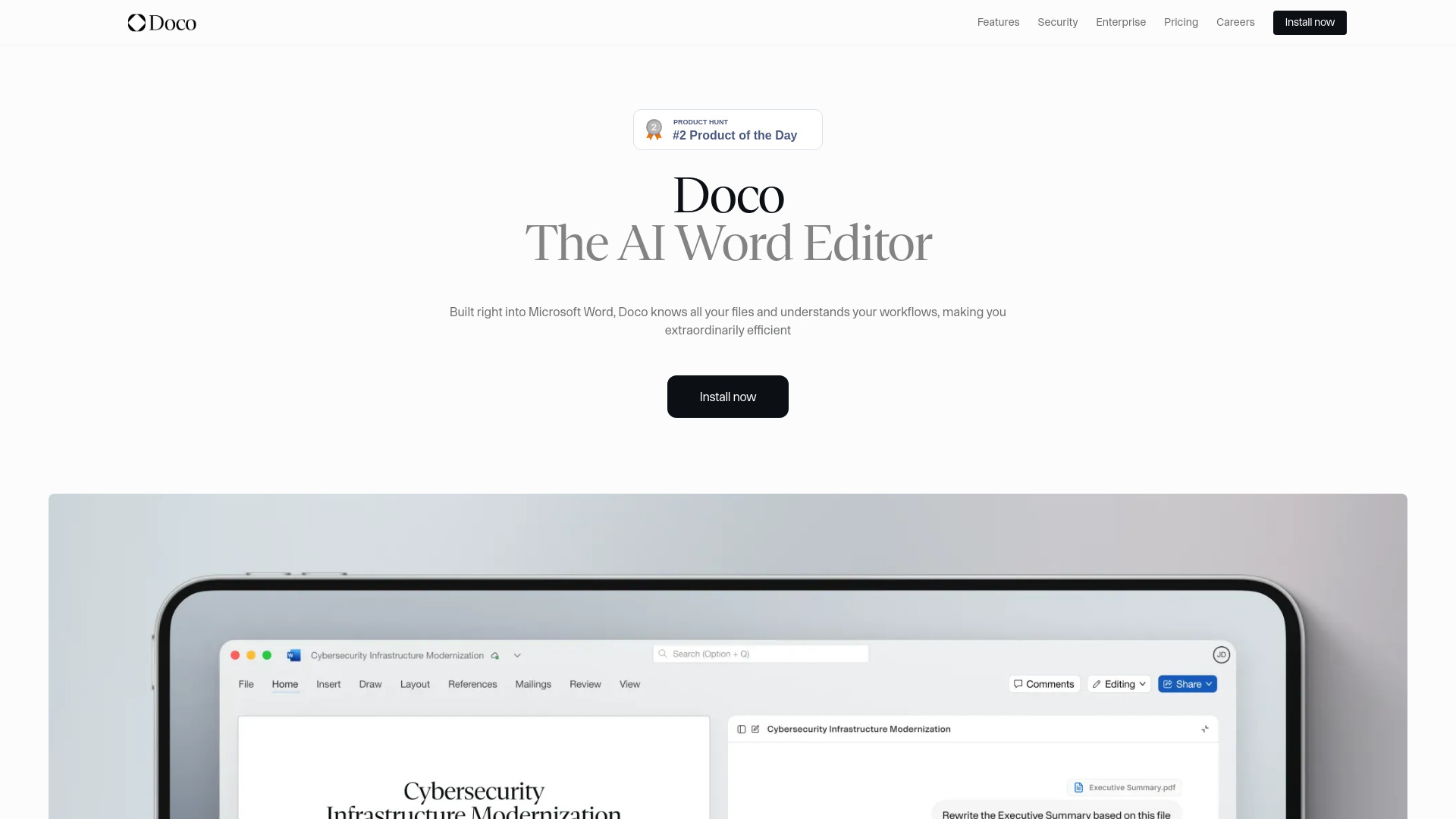
Doco là trợ lý viết AI tiên tiến được thiết kế để cách mạng hóa quy trình tạo tài liệu của bạn trong Microsoft Word. Bằng cách tích hợp mượt mà vào quy trình làm việc của bạn, Doco tăng cường hiệu suất và độ chính xác bằng cách tối ưu hóa quy trình tài liệu cấu trúc. Công cụ mạnh mẽ này cung cấp bộ công cụ bao gồm gợi ý thông minh để cải thiện nội dung, định dạng tự động và kiểm tra ngữ pháp và chính tả thời gian thực. Dù bạn đang viết báo cáo kinh doanh, bài báo học thuật hay viết sáng tạo, Doco là trợ lý hàng đầu của bạn để đảm bảo tài liệu của bạn được hoàn thiện, chuyên nghiệp và không có lỗi. Với giao diện người dùng thân thiện và khả năng AI tiên tiến, Doco là lựa chọn lý tưởng cho bất kỳ ai muốn làm cho quy trình tạo tài liệu của mình trở nên mượt mà hơn.
How to use Doco?
The process is straightforward. Once installed, Doco integrates seamlessly into your Word experience. As you type, Doco provides real-time suggestions for improving your content, from grammar and spelling corrections to style enhancements. The tool also offers formatting assistance and can help you organize your document structure for optimal readability. Simply enable Doco in your Word toolbar and begin writing - the AI assistant works in the background, offering suggestions and corrections as you compose your document.
Core features of Doco?
- Intelligent Content Suggestions: Doco uses advanced AI algorithms to offer tailored suggestions that enhance the quality and clarity of your writing.
- Automatic Formatting: With Doco, your document will maintain a consistent and professional format throughout, saving you time on manual adjustments.
- Real-Time Grammar and Spelling Checks: Say goodbye to errors and typos, as Doco scans your text in real-time and provides immediate corrections.
- Structured Document Workflow: Doco helps you organize your content effectively, making it easier to create well-structured and coherent documents.
- Productivity Enhancement: By automating routine writing tasks, Doco allows you to focus on content creation while it handles the technical aspects of document preparation.