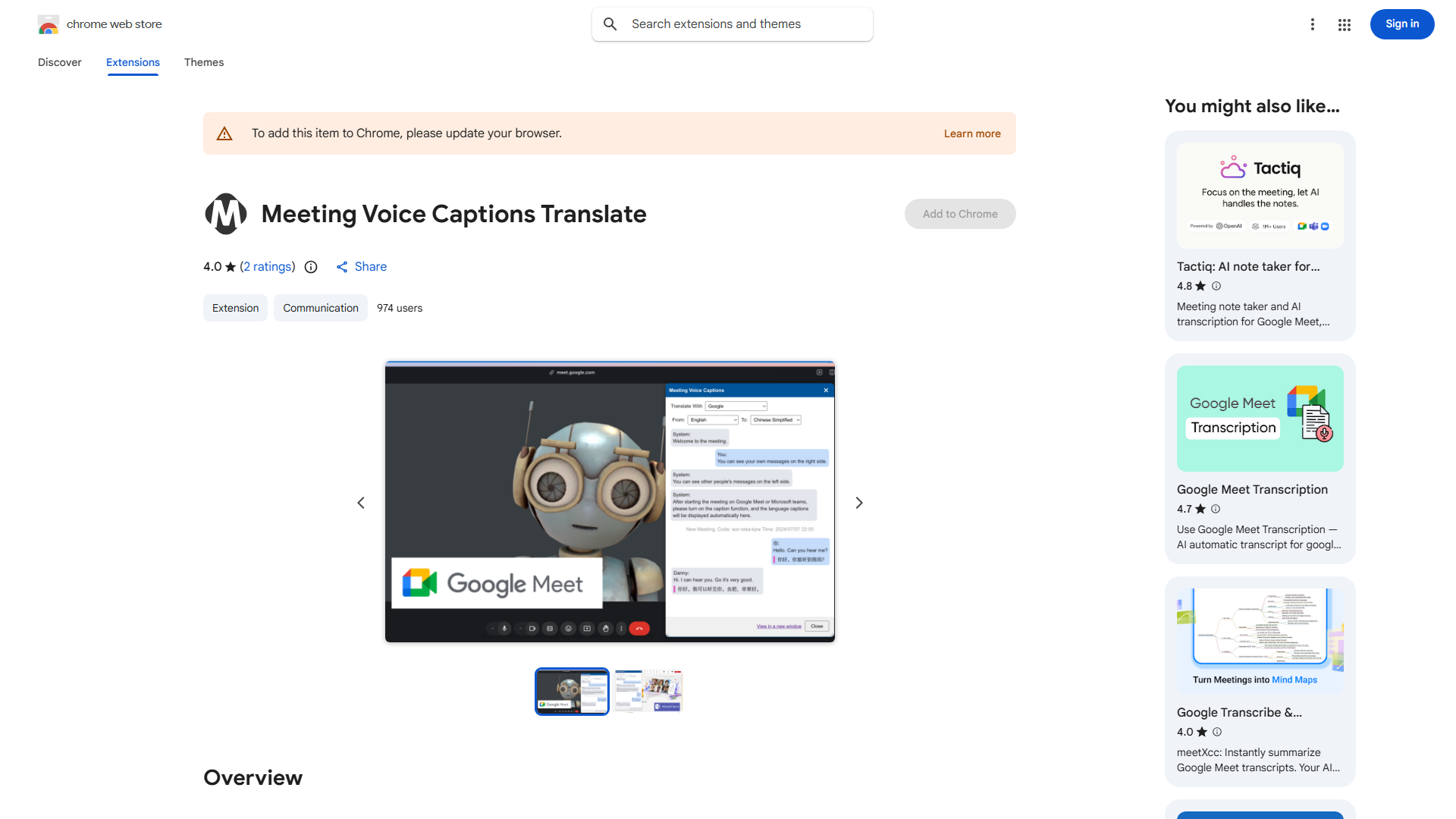
What is Voice Caption Translator?
Voice Caption Translator is an innovative communication tool designed to eliminate language barriers in virtual meetings. This free application provides real-time voice caption translation for platforms including Google Meet and Microsoft Teams, enabling seamless collaboration across diverse global teams. By converting spoken language into readable captions in participants' preferred languages, it ensures inclusivity and enhances understanding during online conferences and discussions.
How to use Voice Caption Translator?
Using Voice Caption Translator is straightforward. First, download and install the application on your device. During a virtual meeting, launch the app and select your meeting platform (Google Meet or Microsoft Teams). The tool will automatically detect audio input and begin transcribing spoken words in real-time. You can customize translation preferences by selecting source and target languages from the intuitive settings menu. The translated captions appear on your screen as the conversation progresses, allowing you to follow along effortlessly without missing important details.
Core features of Voice Caption Translator?
- Real-time Translation: Instantly converts spoken language into accurate captions with minimal delay
- Multi-platform Integration: Seamlessly works with Google Meet, Microsoft Teams, and other popular video conferencing tools
- Language Support: Offers translation between dozens of languages to accommodate global teams
- Customizable Settings: Allows users to adjust font size, display position, and translation speed
- Offline Mode: Provides basic functionality even without internet connection for privacy and reliability