
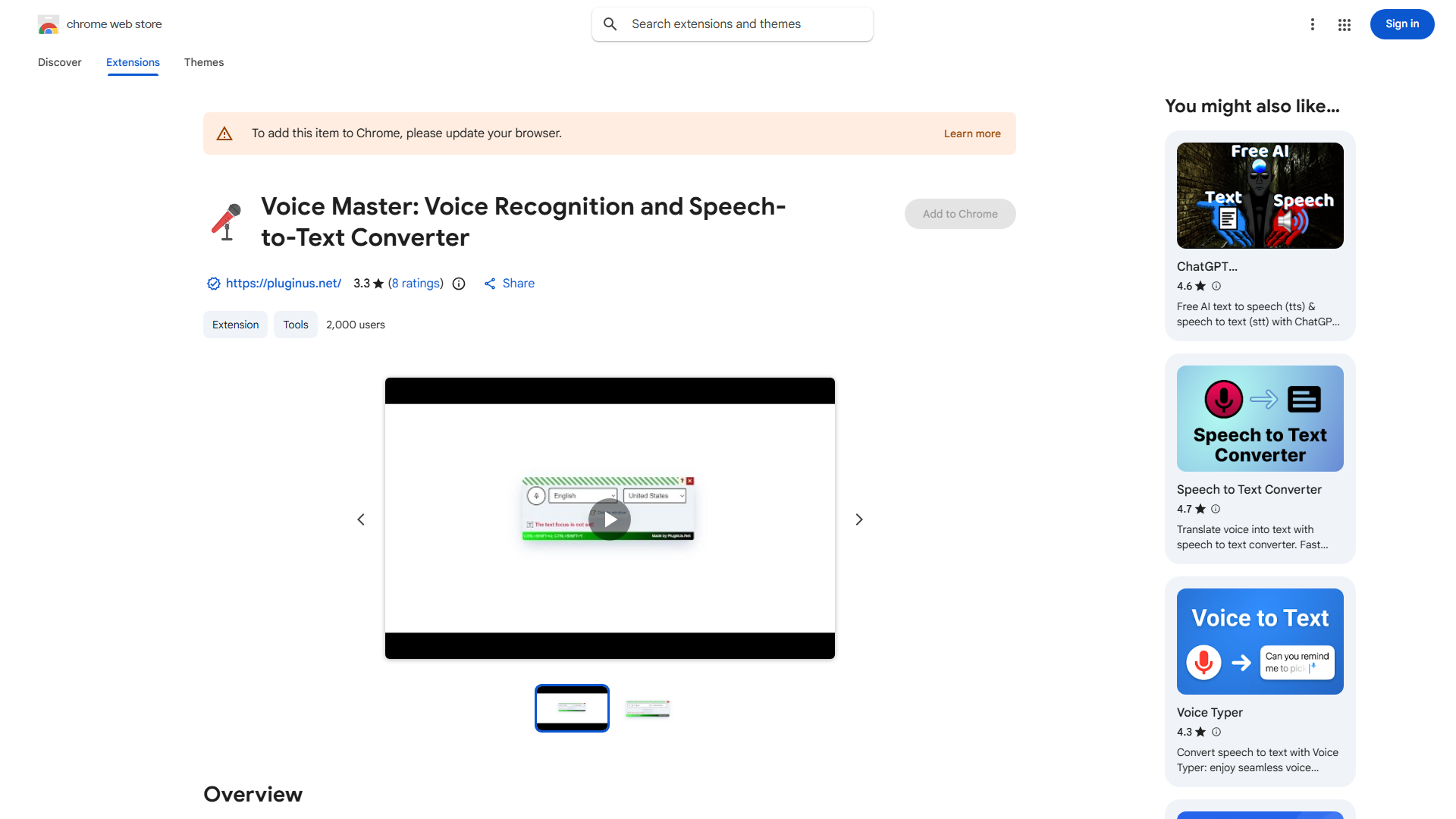
What is Voice Master?
Voice Master is a sophisticated Chrome extension designed to transform spoken words into written text with remarkable accuracy. This innovative tool leverages advanced speech-to-text technology and AI-powered text correction to streamline your workflow. Whether you're transcribing interviews, dictating emails, or jotting down notes, Voice Master ensures efficiency and precision. With its seamless integration with your browser, it's the perfect companion for content creators, students, professionals, and anyone in need of a quick and reliable text conversion solution.
How to use Voice Master?
The process is simple and intuitive. First, install the extension in your Chrome browser from the Chrome Web Store. Next, click the Voice Master icon in your browser toolbar when you're ready to start speaking. The tool will immediately begin transcribing your voice into text, offering real-time correction for maximum accuracy. You can dictate directly into any text field on web pages or use the built-in text editor. Voice Master adapts to your needs with customizable settings for different speaking styles and environments.
Core features of Voice Master?
- Advanced Speech Recognition: Accurately transcribes your voice with high precision, even with background noise, supporting multiple languages and accents.
- AI-Powered Text Correction: Ensures that your transcriptions are clean and error-free with intelligent grammar and punctuation suggestions.
- Seamless Browser Integration: Works directly within your Chrome browser, allowing for quick and efficient text conversion without switching applications.
- Customizable Settings: Tailor the tool to your preferences with adjustable speed, sensitivity, and vocabulary settings.
- Cloud-Based Storage: Save your transcriptions securely in the cloud for easy access across devices and organized project management.
























