
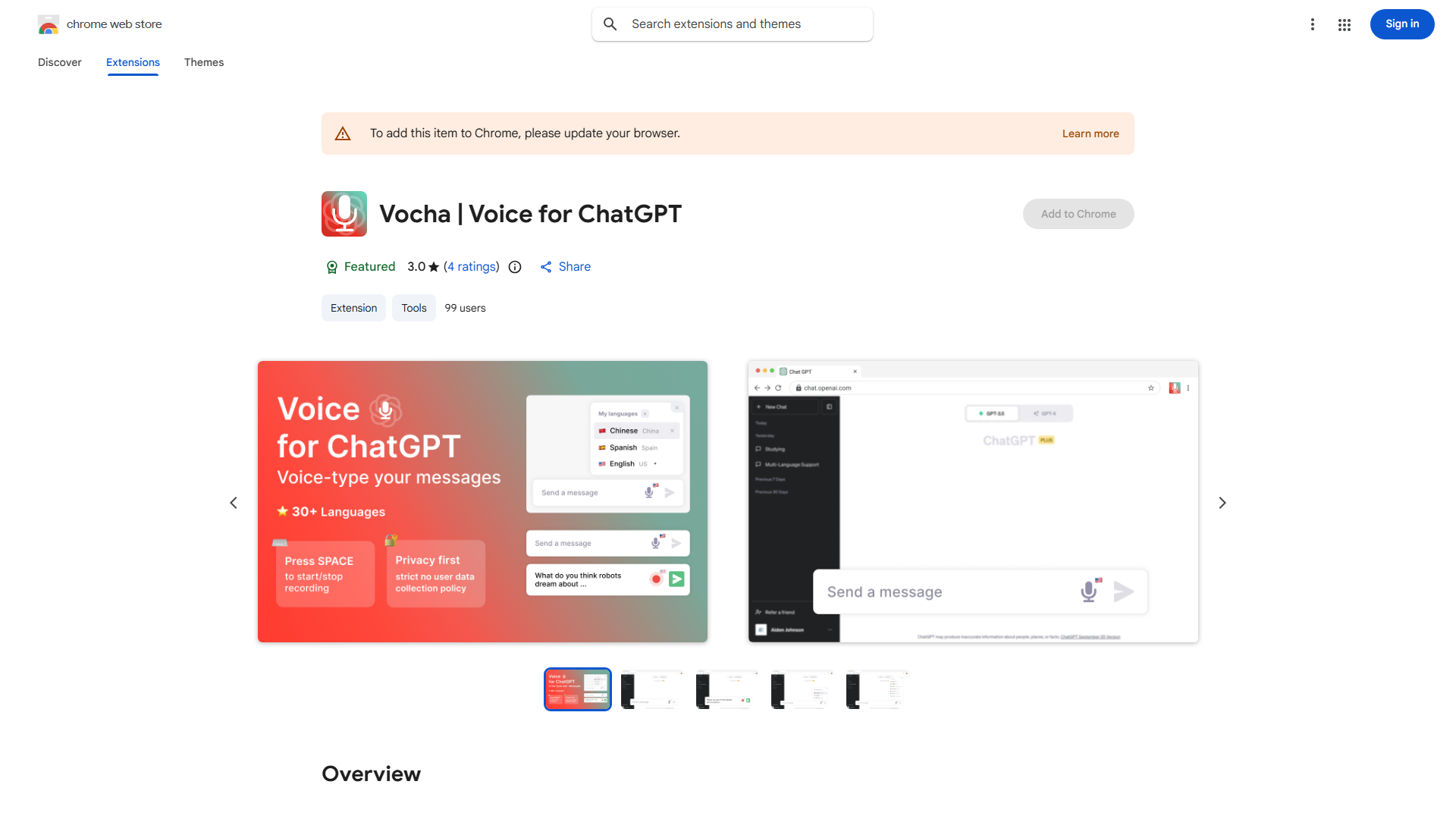
什么是 Vocha?
Vocha 是一款专为 ChatGPT 用户设计的尖端语音打字扩展,提供无缝且私密的打字体验。这款创新工具利用先进的语音识别技术,以无与伦比的准确性将 spoken words 转换为文本。考虑到用户隐私,Vocha 确保您的语音数据保持安全和机密。其直观的界面使其易于集成到您的 workflow 中,无论是专业作家、学生,还是希望简化与 ChatGPT 通信的人。
如何使用 Vocha?
The process is straightforward. First, install the Vocha extension in your browser. Once activated, click the Vocha icon to enable voice input. Speak clearly into your microphone, and Vocha will instantly convert your words into text, which automatically appears in your ChatGPT input field. You can pause or stop recording at any time, and the extension provides real-time transcription. The text is ready to send with a single click, making your interaction with ChatGPT faster and more efficient.
Vocha 的核心功能?
Advanced speech recognition technology provides highly accurate text conversion with minimal errors. End-to-end encryption ensures your voice data remains private and secure, with no storage of your recordings. The user-friendly interface integrates seamlessly with ChatGPT, requiring no additional setup or configuration. Real-time transcription allows you to see your words appear as you speak, enhancing your workflow efficiency. Multi-language support enables voice input in various languages, making it accessible to a global user base.