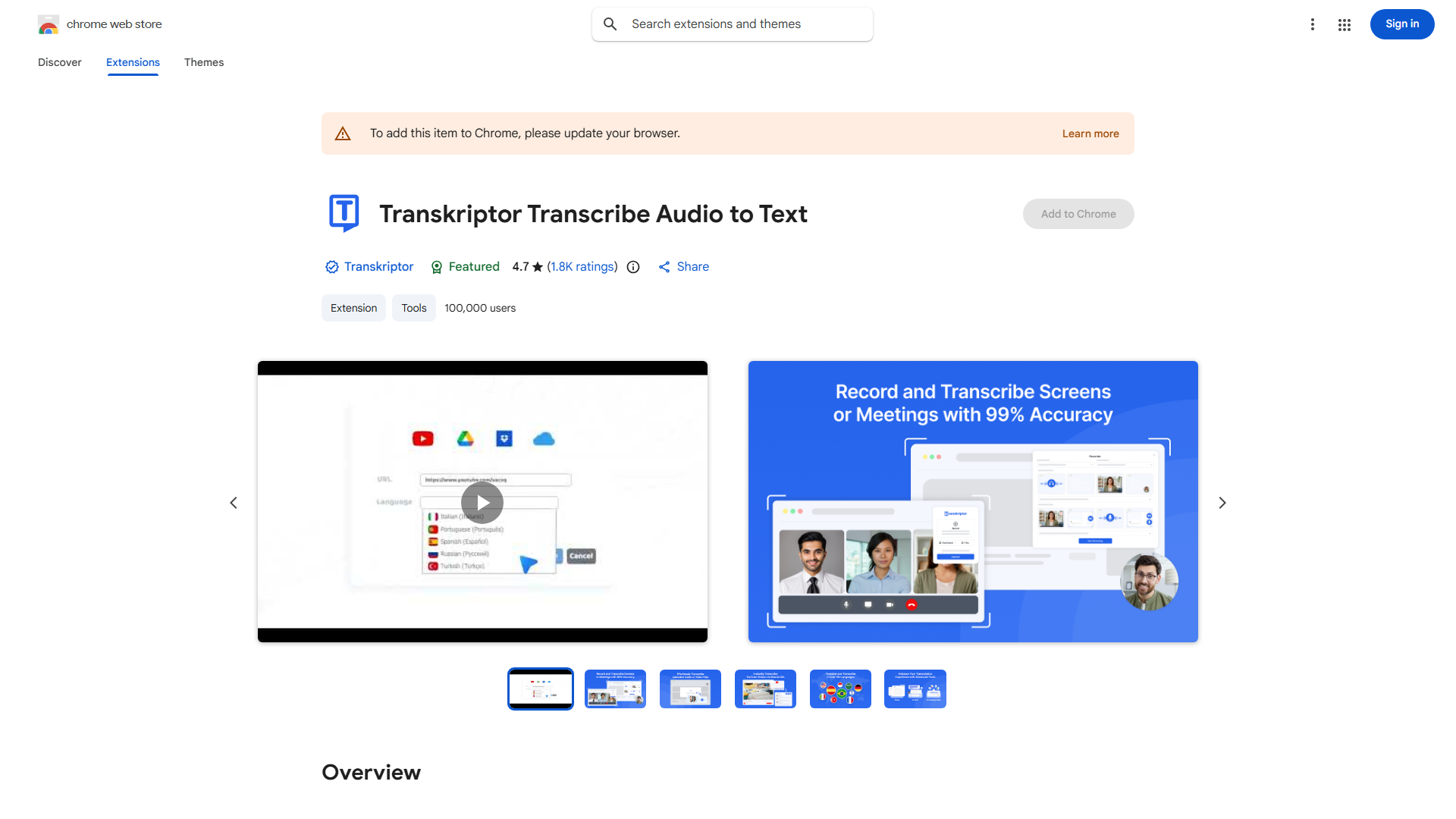
What is Transkriptor?
Transkriptor is an innovative AI-powered speech-to-text browser extension designed for seamless and secure transcriptions. This powerful tool simplifies the process of converting spoken words into written text, making it an invaluable asset for professionals and students alike. With its intuitive interface and high accuracy, Transkriptor ensures quick and efficient transcriptions, perfect for bloggers, podcasters, and anyone in need of converting audio to text. Its robust security measures keep your data protected, ensuring privacy and peace of mind. Whether you're transcribing interviews, lectures, or meetings, Transkriptor streamlines your workflow and enhances productivity.
How to use Transkriptor?
Using Transkriptor is straightforward. First, install the extension on your preferred browser. Once activated, it will automatically transcribe any audio you play or record. Whether you're listening to podcasts, conducting interviews, or attending webinars, Transkriptor provides real-time transcriptions that you can easily edit and save directly to your preferred format or platform. The extension works seamlessly across different audio sources, making transcription effortless and efficient.
Core features of Transkriptor?
- High Accuracy: Advanced AI technology ensures precise transcriptions with minimal errors, saving you valuable time on corrections.
- Real-Time Transcription: Experience instant conversion of spoken words to text as you listen, perfect for live events and on-the-go needs.
- Security: Robust encryption and privacy measures protect your data, ensuring compliance with data protection regulations.
- Easy Editing: Intuitive interface allows quick corrections, formatting, and customization of your transcriptions.
- Platform Integration: Seamlessly works with popular applications including Google Docs, Evernote, and more for smooth workflow integration.