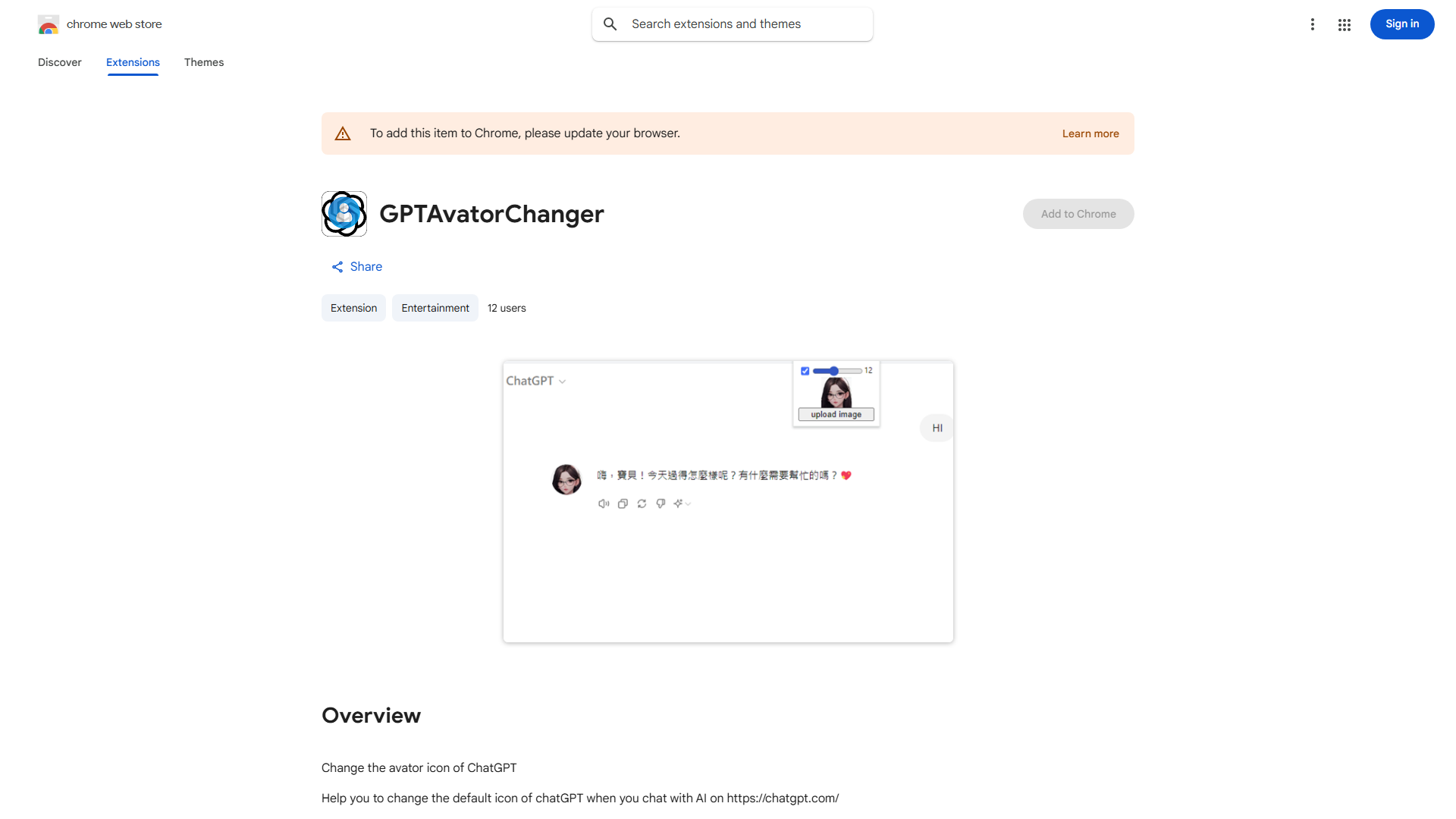
What is ChatGPT Icon Changer?
ChatGPT Icon Changer is a user-friendly tool designed to personalize your ChatGPT interface on chatgpt.com. This application allows you to transform the default ChatGPT icon into a unique representation of your style or preferences with a simple click. It enhances both aesthetic appeal and user satisfaction by providing customization options that reflect your individuality or brand identity. The intuitive design ensures seamless integration with the ChatGPT platform, making it accessible for users of all technical skill levels.
How to use ChatGPT Icon Changer?
Using ChatGPT Icon Changer is straightforward. First, navigate to chatgpt.com and log in to your account. Next, locate the settings or customization menu within the ChatGPT interface. Select the ChatGPT Icon Changer option, then choose from the available icon library or upload your own custom image. After selecting your preferred icon, click the save button to apply the changes. Your personalized icon will immediately appear in your chat sessions, creating a more engaging and distinctive experience.
Core features of ChatGPT Icon Changer?
The ChatGPT Icon Changer offers several key functionalities: Icon Customization allows users to select from a wide range of pre-designed icons or upload custom images to match their style. Ease of Use ensures the tool is accessible to all users regardless of technical expertise. Seamless Integration provides immediate application of new icons without disrupting your chat experience. Personal Branding enables professionals to maintain consistent visual identity across communication channels. Quick Customization allows for instant changes with just a few clicks.